

A modern room needs power in the places where people actually use devices, not simply at evenly spaced points around an empty floor plan. Good planning begins with furniture, movement, daily habits, and likely future changes. It distinguishes always-connected equipment from devices that come and go, gives chargers a ventilated and accessible home, and leaves enough flexibility that a new lamp or laptop does not require a cable across a walkway.
This is a planning guide, not a wiring guide. Outlet types, spacing, circuit capacity, required protection, accessibility rules, permits, and approved installation methods vary by building and location. A qualified electrician should evaluate the existing system, determine what work is appropriate, and perform fixed electrical installation under current local rules. Do not open electrical boxes, alter fixed wiring, or treat a plug-in workaround as a substitute for compliant permanent work.
Start with a furnished plan, not a blank wall
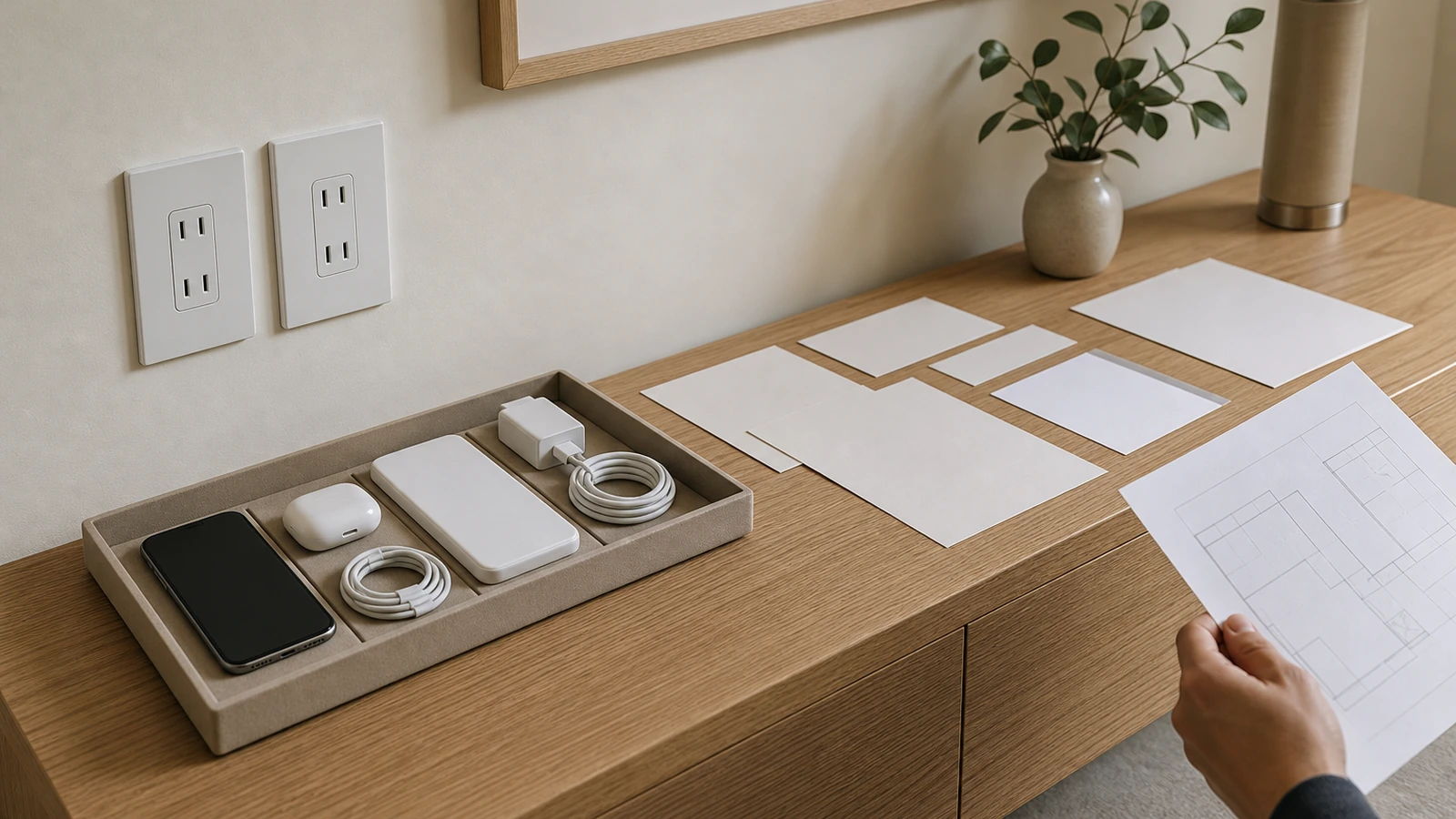
Sketch the room with doors, windows, closets, radiators, fixed cabinetry, and walking paths. Then add furniture at realistic dimensions. Mark the probable location of bed frames, nightstands, sofas, desks, media cabinets, floor lamps, reading chairs, air cleaners, and seasonal equipment. An outlet that looks centered on an empty wall may end up trapped behind a headboard or placed where a wide plug prevents a cabinet from sitting correctly.
Plan at least two plausible furniture arrangements when the room is flexible. A home office may later become a guest room; a nursery may become a study; a sofa may rotate toward another wall. The aim is not to install a connection for every hypothetical device. It is to avoid making the room dependent on one arrangement and to identify the few locations where accessible general-purpose power would preserve options.
Observe reach as well as distance. A charger behind a deep sofa might be physically close but practically unusable. A receptacle directly behind movable furniture may be appropriate for equipment that stays connected, while frequent charging usually deserves access at the side or above a suitable surface. Exact heights and locations have code, construction, and accessibility implications, so describe the intended reach and furniture clearances to the electrician rather than prescribing installation dimensions yourself.
Build a device and load inventory by zone
List equipment by where it will live and how it behaves. Permanent devices may include a router node, television, powered speaker, desktop computer, monitor, motorized shade power supply, or adjustable bed. Daily mobile devices include phones, watches, tablets, headphones, cameras, and laptops. Occasional devices might include a vacuum, iron, fan, humidifier, hobby tool, or guest charger. Some appliances or heating devices have requirements that differ substantially from small electronics and should be identified explicitly for professional review.
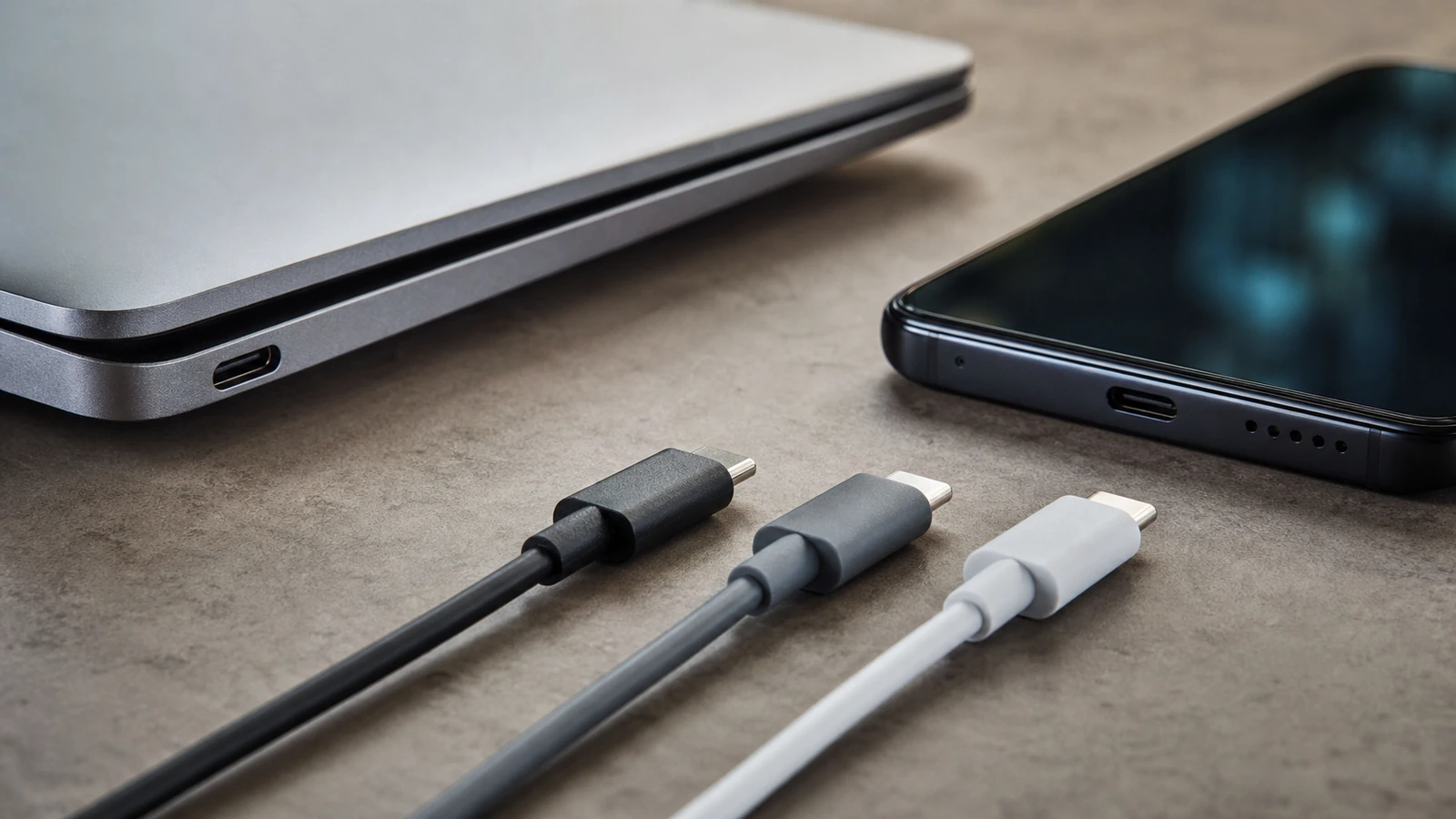
For each item, record whether it uses a fixed cord, detachable USB cable, power adapter, charging dock, or power strip approved for its intended use. Note the connector at the device and the power the manufacturer specifies. The connector shape alone does not tell you what charging performance a device will receive. The Disco Lift guide to USB-C ports, cables, and charging compatibility explains why port shape, cable capability, and power negotiation must be considered together.
Add simultaneity. Four devices listed in a zone do not necessarily charge together, but a work desk may regularly power a laptop, display, lamp, phone, and accessories at once. Conversely, a guest ledge may only need one convenient connection. This usage picture helps the electrician assess the fixed electrical plan and helps you choose charging equipment without assuming that a high port count equals adequate power.
| Zone | Typical job | Planning priority | Common mistake |
|---|---|---|---|
| Bedside | Lamp, phone, wearable, occasional laptop | Easy reach without loose cords near the walking edge | Hiding every connection directly behind the bed |
| Desk | Computer, display, task light, mobile devices | Enough accessible power and data paths for the full workstation | Counting plugs but ignoring adapters, cable exits, and heat |
| Seating | Reading light and temporary device charging | Access from an end table or planned furniture connection | Routing a cord across a passage |
| Media | Display, audio, network, game or streaming equipment | Ventilation, service access, and separation from signal paths as required | Sealing power equipment inside a tight cabinet |
| Entry or shared surface | Guest phones, household devices, batteries | A visible, limited-capacity drop zone | Letting the station become permanent storage for obsolete cables |
Give each charging zone one clear job
A useful charging zone is a small system: a safe source of power, a stable surface, appropriate charging equipment, short understandable cable paths, ventilation, and a rule for what belongs there. Define the zone in a sentence. “This drawer charges two phones overnight” is clearer than “all technology goes here.” “This desk powers work equipment and one visitor device” is clearer than collecting every household adapter beneath it.
Keep the most frequently handled end of the cable easy to reach while protecting it from being pinched by drawers, doors, or furniture. Use cable support and organizers that are suitable for the surface and do not damage the cable. Avoid tightly coiling active power cables or burying adapters under fabric and paper. Charging equipment can generate heat, and its manufacturer may specify orientation, clearance, or operating conditions. A visually closed box is not automatically an appropriate electrical enclosure.
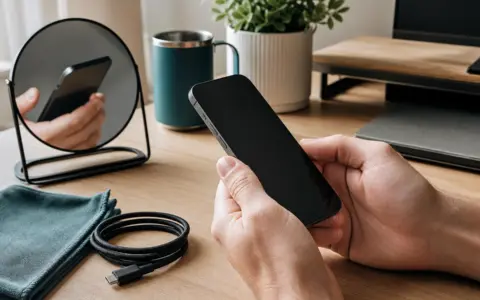
Include a parking place for devices. A shallow tray, open shelf, or stable stand can prevent phones from sliding behind furniture and can make the intended capacity obvious. Keep charging away from sinks, wet planters, drink spill zones, and places where bedding or upholstery may cover equipment. In a child-accessible room, ask the electrician about applicable protective requirements and choose the zone with supervision and cable-pull risks in mind.
Choose between standard outlets, built-in USB, and plug-in chargers
Standard electrical receptacles preserve the broadest compatibility because the replaceable charger handles device-specific conversion. Built-in USB ports can reduce visible adapters in a stable, high-use location, but their connector format, charging protocol, shared output behavior, and service life may become limiting before the surrounding room needs renovation. A removable multiport charger is easier to update, although it still needs appropriate ratings, ventilation, support, and cable management.
Do not select a built-in USB product from a headline wattage alone. Confirm how power is divided when multiple ports are occupied, which charging standards the exact model supports, whether cables are included or removable, and what connected devices require. Product specifications change, and superficially similar versions may behave differently. Ask the electrician to confirm that any fixed device is listed or approved as required locally, compatible with the electrical system, and appropriate for the proposed location.
Wireless charging may make a shared surface feel calmer, but alignment, case thickness, foreign objects, and heat can affect results. Treat it as an optional convenience rather than the only way to restore a critical phone. Test the actual phone and case on the exact charger before building furniture around it, and preserve access to a wired charging option.
Count usable connections, not faceplate openings
Large power adapters can block neighboring positions. Right-angle plugs can conflict with a backsplash or furniture panel. A deep connector may need more clearance than the drawing suggests. At a desk or media cabinet, lay out representative adapters and cable bends on a paper or cardboard mock-up. This is a furniture and access exercise only; the electrician remains responsible for evaluating and installing fixed electrical components.
Account for the route from the connection to the device. A cable should not be stretched tight, crushed behind a cabinet, placed where chair wheels repeatedly cross it, or left as a loop that catches feet. Avoid running ordinary extension cords through walls, ceilings, floors, doors, or other concealed paths. When permanent access is missing, ask a qualified electrician for a compliant solution rather than improvising concealment.
Power strips and surge-protective devices are not interchangeable with additional permanent electrical capacity. Follow the exact product instructions, ratings, and connection limits; do not daisy-chain power strips or overload them. If the room only works by stacking adapters and plug-in distributors, present that pattern to the electrician. It may signal that the fixed plan or circuit assessment needs attention.
Coordinate power with furniture and built-ins
Built-in desks, floating nightstands, media walls, and cabinets can create elegant charging points, but they also create access and heat problems when designed as sealed objects. Show the millworker or furniture designer the plug shapes, adapter dimensions, cable exits, ventilation needs, and service actions. A person should be able to disconnect equipment without dismantling the room, unless a professional has designed an approved access method for a specific installation.
Decide which elements belong to the building and which belong to replaceable furniture. Technology ages faster than cabinetry. A generous, accessible power location paired with a replaceable desktop charger may adapt better than a tightly fitted proprietary module. If furniture includes integrated electrical components, verify the complete assembly’s instructions and local acceptability rather than assuming that a component rating automatically covers a custom installation.
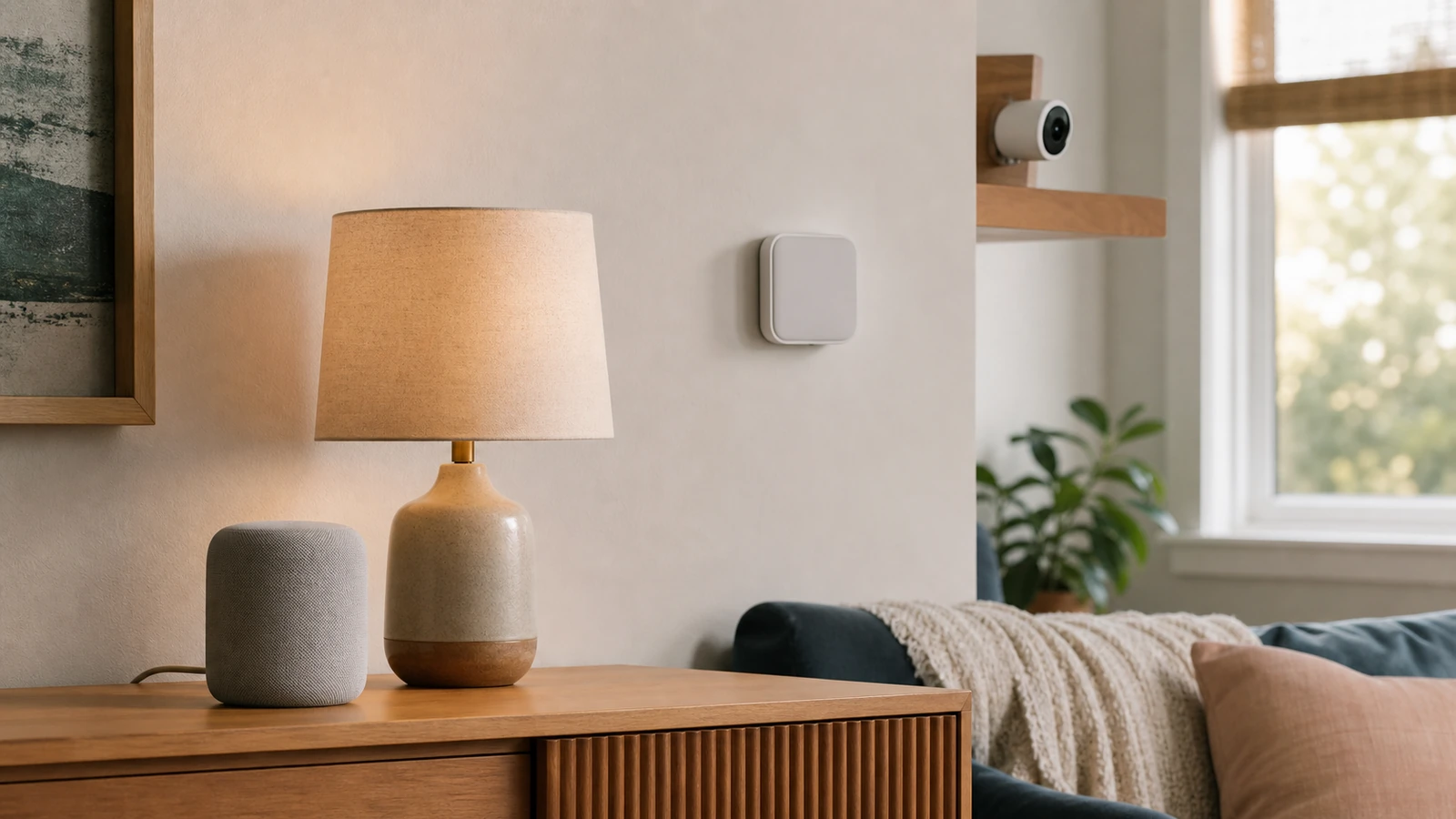
Keep signal and network planning in the same conversation. A desk may need wired data; a media zone may need network equipment positioned where antennas and ventilation work; smart devices may depend on reliable wireless coverage. If connected accessories are part of the plan, review basic smart-home privacy settings before committing to an ecosystem, and avoid placing reset buttons or account-dependent hubs where they cannot be serviced.
Design for night, guests, and different bodies
At night, a tiny charging indicator can be more distracting than expected. Select equipment with restrained status lighting where available, or position it outside the direct line of sight without covering required ventilation. Do not use improvised coverings that trap heat or obscure warning indicators. The charging zone should also be understandable in low light without requiring someone to reach behind furniture.
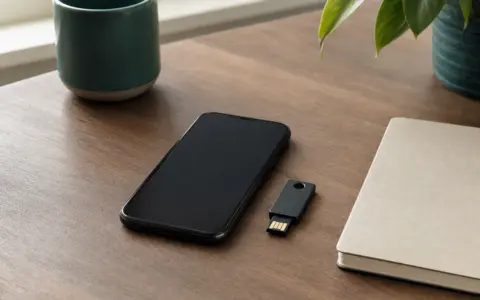
Guests should not need an app, account, or proprietary cable simply to charge a phone. One clearly available standard outlet plus a replaceable, broadly compatible charger can be more hospitable than a complex embedded panel. Keep personal devices, security keys, and household account hardware out of the guest zone. The goal is convenient access with a clear boundary.
Consider seated reach, limited grip, visual contrast, and the force required to connect a cable. Magnetic cable holders and docks can help some users but hinder others. Mock up the surface and invite the actual occupants to use it. Accessibility is personal, while building requirements are jurisdiction-specific; combine user testing with professional and local guidance rather than assuming one height or connector suits everyone.
Plan for failure, replacement, and power-off moments
Every charger and cable will eventually need inspection or replacement. Leave enough slack for service without leaving hazardous loops, and make both ends identifiable. Remove damaged, unusually hot, loose, discolored, or unreliable equipment from use and follow manufacturer or professional guidance. If a fixed outlet feels loose, shows damage, behaves intermittently, or raises any concern, stop using it and contact a qualified electrician.
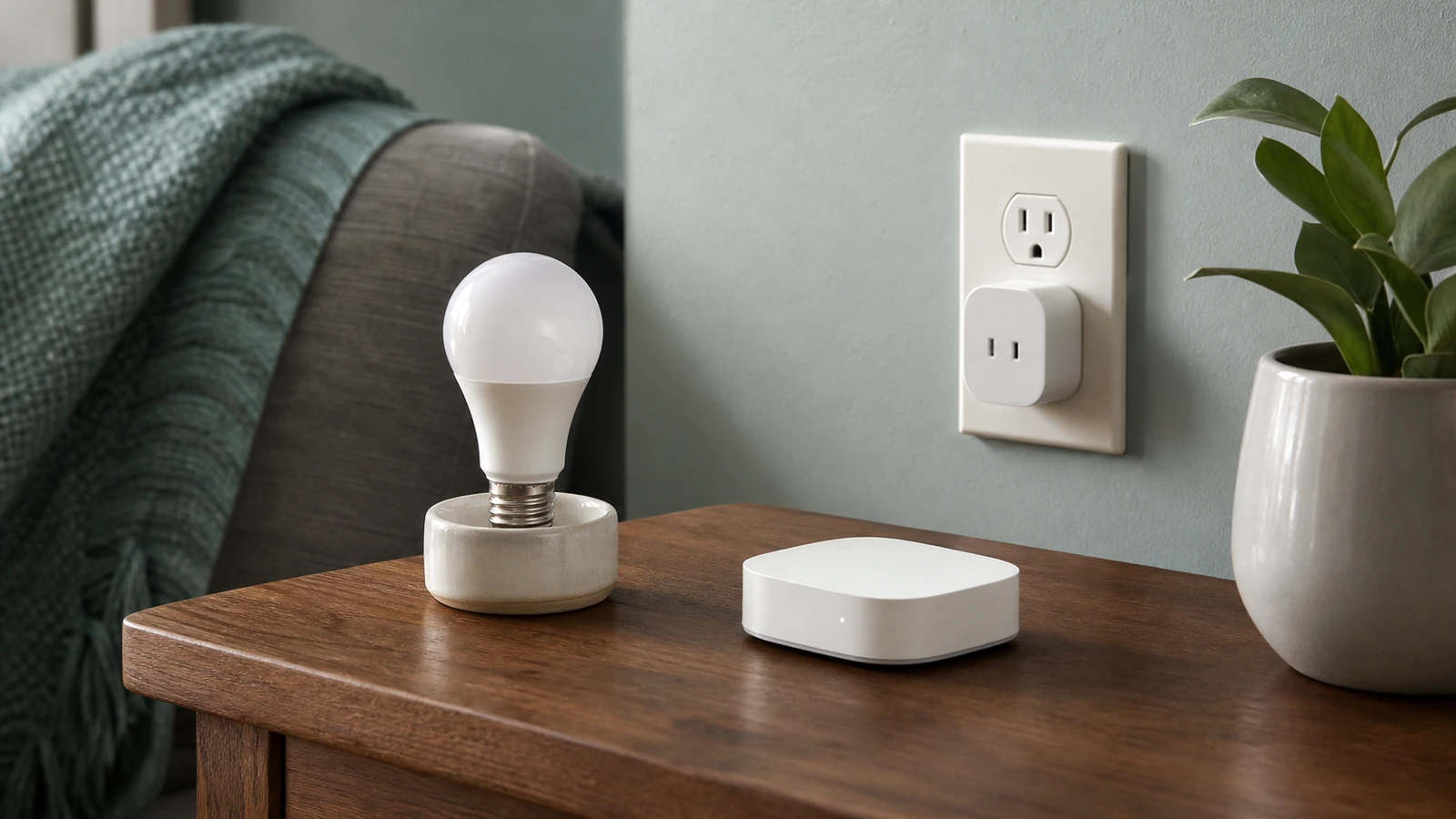
Know what should remain powered during an absence and what can be disconnected. Some network or security equipment may need continuous power; many guest chargers do not. Smart plugs can add schedules to suitable loads, but they have ratings and limitations and should not be treated as universal safety devices. The primer on smart plugs, bulbs, and hubs can help you evaluate convenience features while keeping ordinary controls available.
Photograph the completed furniture arrangement and keep the electrician’s documentation, product model information, and charging specifications together. Review the zone when furniture changes or new high-demand equipment arrives. A five-minute audit can remove abandoned cables, identify an adapter that runs hotter than expected, and prevent yesterday’s tidy solution from becoming tomorrow’s hidden pile.
A practical planning sequence
- Draw the room and two realistic furniture layouts.
- List permanent, daily, guest, and occasional devices by activity zone.
- Record each device’s actual charger, connector, and manufacturer power requirement.
- Mark desired access, cable paths, parking surfaces, ventilation, and service space.
- Mock up adapter sizes and furniture clearances without touching fixed wiring.
- Give the complete plan to a qualified electrician for circuit, protection, location, product, permit, installation, and local-code decisions.
- After professional installation, test normal use with the intended equipment and revise removable organizers if reach or clutter is poor.
- Document the finished setup and review it when devices or furniture change.
Frequently asked questions
Are built-in USB ports better than regular outlets?
They are convenient in some stable, frequently used locations, but they are not categorically better. Standard outlets paired with replaceable chargers usually offer more flexibility as connectors and charging standards change. Compare the exact devices, total output behavior, serviceability, and local installation requirements with a qualified electrician.
How many charging points should a room have?
There is no useful universal number. Count simultaneous activities and accessible locations rather than devices owned. A desk, bedside area, and shared surface have different needs. A professional must determine the compliant fixed electrical design and whether the existing system can support the proposed use.
Can an extension cord solve a badly placed outlet?
An extension cord may be permitted for limited temporary use when its instructions, ratings, and local rules are followed, but it is not a substitute for permanent wiring. Do not conceal ordinary extension cords or route them through building surfaces or pinch points. Ask an electrician about a permanent compliant solution.
Should every bedside location include USB-C?
Not necessarily. USB-C is widely useful, but device requirements, cable capabilities, and built-in port performance vary. A standard outlet with a replaceable charger may age more gracefully. If built-in USB-C is chosen, verify the exact model’s output and behavior with the devices you expect to use.
What makes a charging drawer safe?
A drawer is not safe merely because it hides clutter. Electrical components must be approved for the use, protected from pinching and spills, adequately ventilated, and installed according to exact instructions and local rules. Have an electrician and the furniture professional review any integrated plan.
Takeaway
The best power plan is almost invisible in daily life because it follows the room’s furniture, activities, and real device needs. Preserve accessible general-purpose power, use built-in USB selectively, give removable chargers air and service space, and make cable paths short and understandable. Most important, separate design decisions from electrical decisions: you can map habits, mock up furniture, and define access, while a qualified electrician determines and performs the compliant installation under current local rules.

Madison Rowe
Madison Rowe is a Disco Lift staff byline covering everyday technology, digital organization, privacy, and connected devices. Articles published under this pen name are reviewed under Disco Lift’s editorial standards.