
A useful smart home can start with one plug or one bulb. You do not automatically need a hub, a subscription, a voice assistant, or a house full of matching devices. Pick one routine that removes a real nuisance, confirm that a manual control will remain available, and buy only the parts required to make that routine work in your home.
This smart home starter guide treats plugs, bulbs, and hubs as limited control tools, not as proof of safety or security. Compatibility, electrical suitability, app support, cloud dependencies, account controls, and behavior during lost power or internet vary by product. Read the exact manufacturer documentation before purchase and again during setup.
Choose a routine, not a shopping category
Write one sentence describing the outcome: “Turn off a reading lamp from the doorway,” “Run a table lamp on an evening schedule,” or “Let a household member switch a hard-to-reach light without bending.” Name the person who benefits, how often the task occurs, and what should happen if the app is unavailable. If the ordinary switch already works well, the best first purchase may be no smart device.
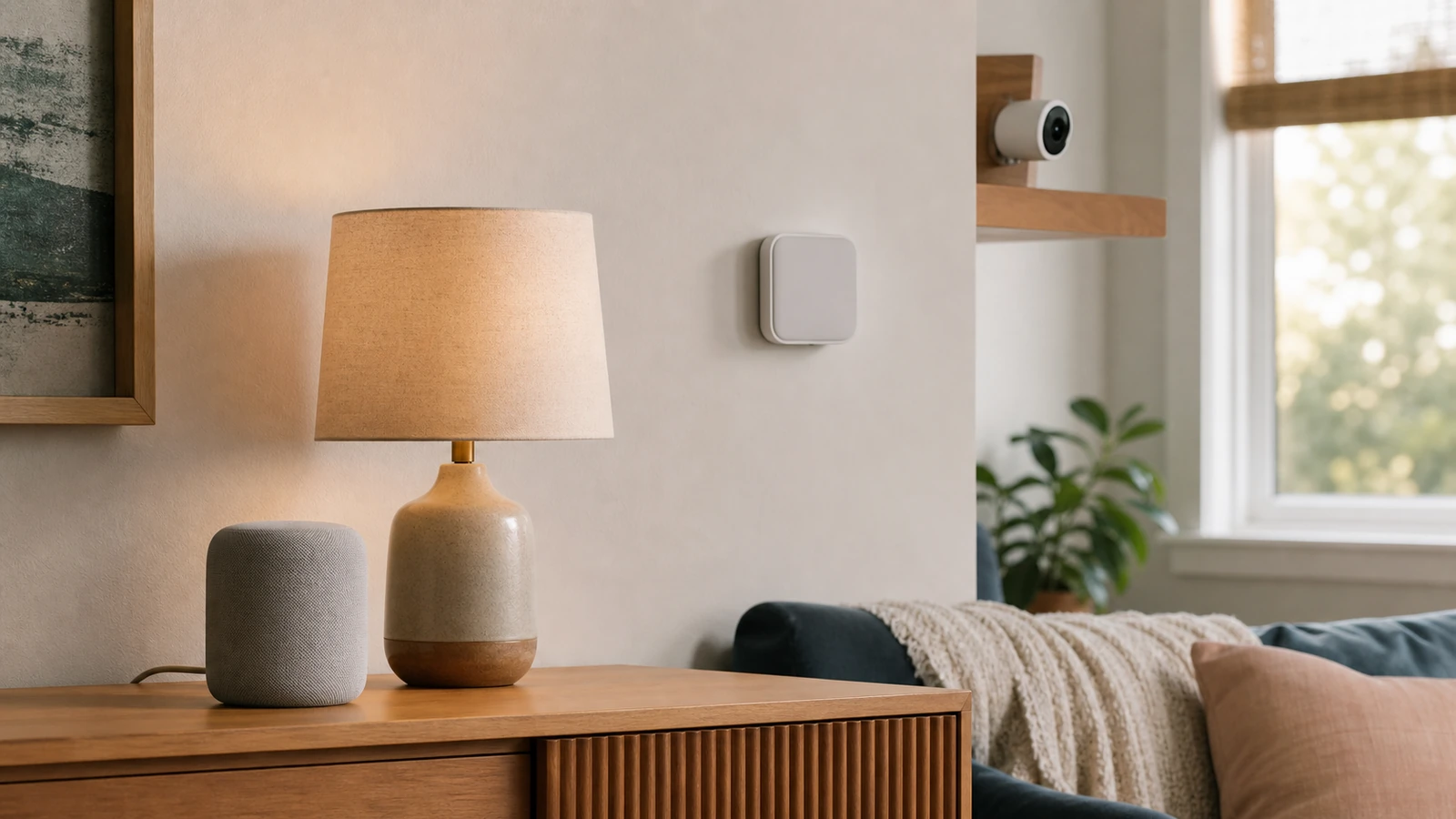
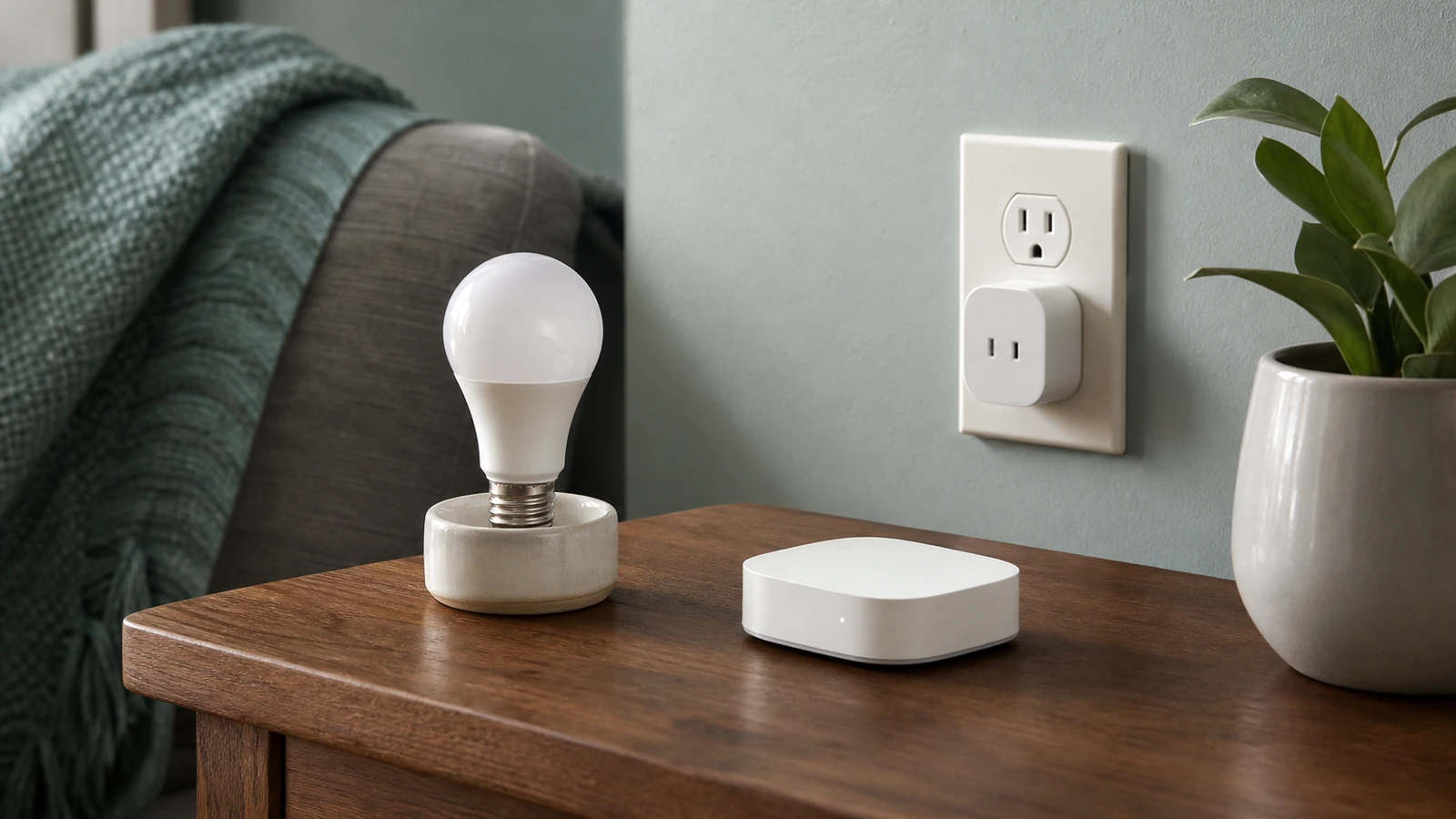
A smart plug switches power to a connected load. It suits only equipment that the product maker and appliance maker permit to be controlled that way. A smart bulb controls its own light output and often needs the wall switch left on. A hub coordinates compatible devices or provides a required radio, controller, bridge, or automation layer. A sensor observes a limited condition and usually needs another component or person to act on it.
Accessibility can make a routine genuinely valuable, but do not replace one barrier with another. A phone-only control may fail someone who cannot reliably use the app; a voice-only routine may fail in a noisy room or for speech differences. Keep reachable physical control where practical, test the routine with the person who will use it, and avoid making essential lighting dependent on one account owner’s phone.
Do you actually need a hub?
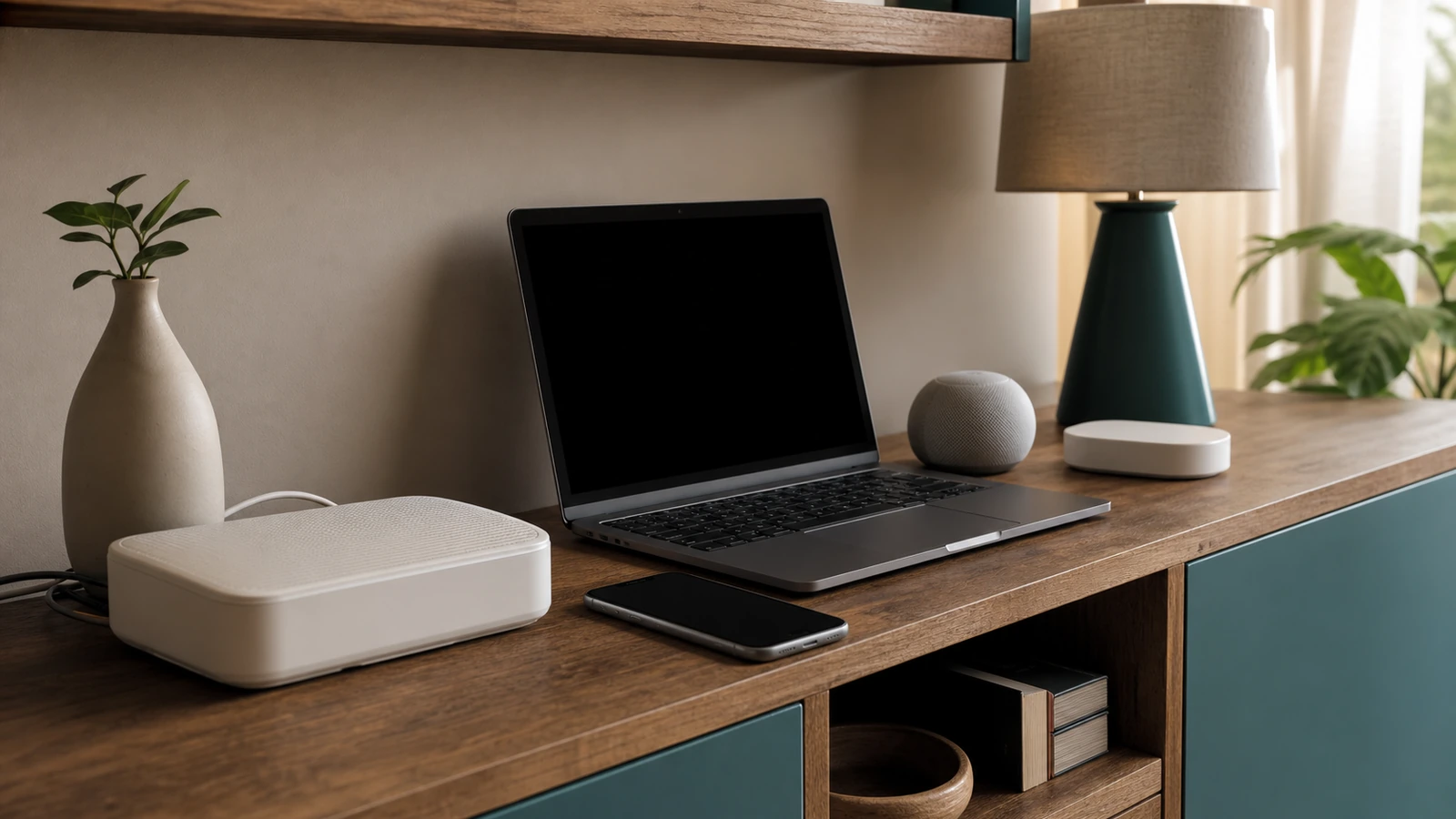
Look at the setup requirements for the exact plug or bulb. Some devices connect directly to Wi-Fi and use a maker’s app or cloud service. Some use Bluetooth for nearby control. Others use a low-power radio and require a compatible bridge, hub, controller, or border-router function. A logo or protocol name on two boxes does not establish that every feature, app, routine, or remote-control path will work together.
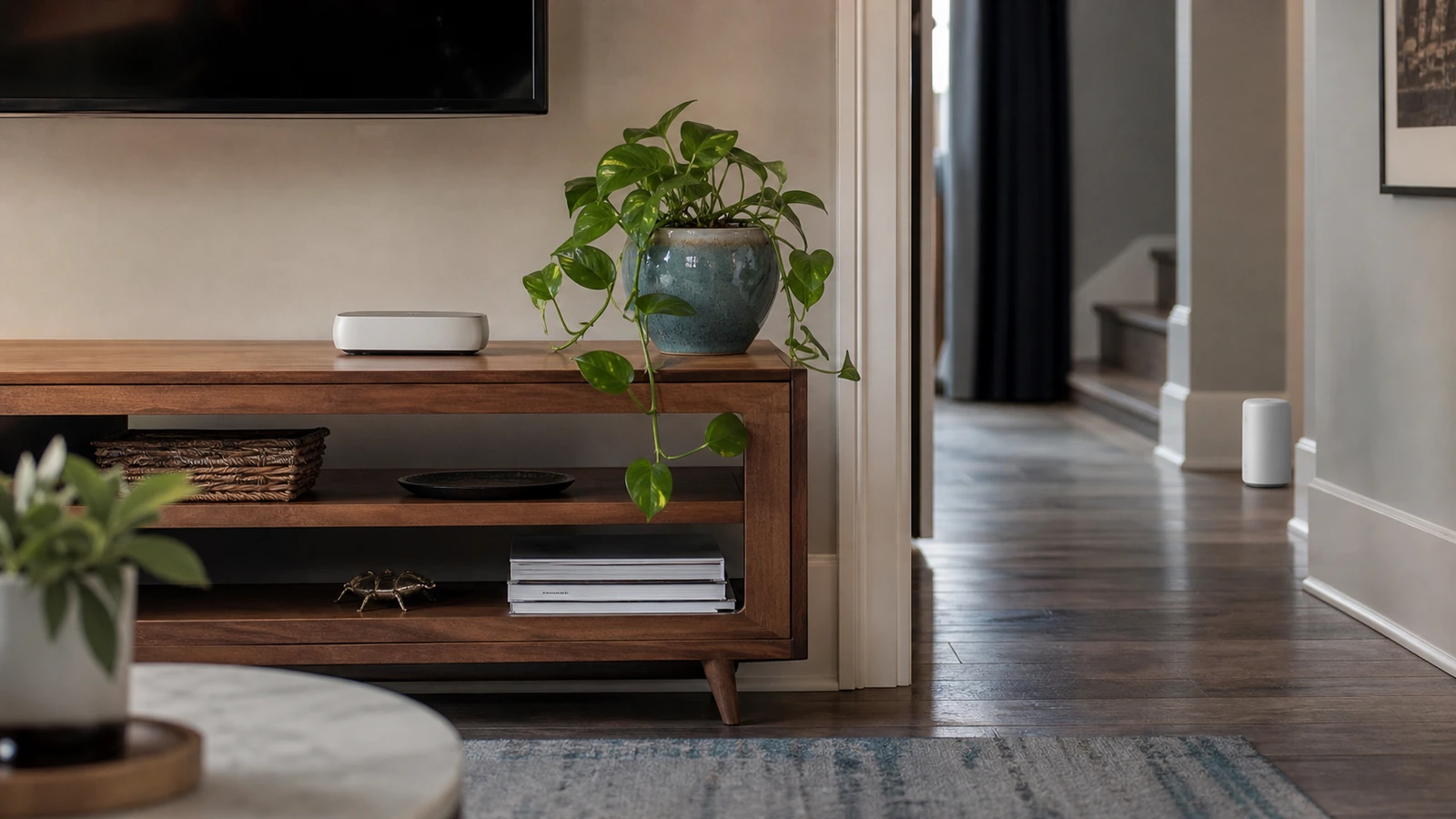
You may need a hub when the selected device explicitly requires one, when several chosen products need the same coordinator, or when a documented local routine depends on it. You may choose a hub to reduce the number of direct Wi-Fi devices or to centralize supported automations, but it adds another powered device, account, update path, recovery process, and compatibility boundary. A hub is not inherently more private, secure, or reliable.
Before buying, list the phone operating systems in the household, the intended control app, any voice or automation platform, the home’s Wi-Fi bands and configuration, and every required hub or controller. Confirm whether household members receive individual access, whether remote use requires a cloud account, what features continue locally, and what happens if a paid service changes. Keep receipts and return terms until the routine has been tested.
Match the device to the job
| Option | Good starting use | Dependency or limit to verify | Manual fallback |
|---|---|---|---|
| Smart plug | Switching a permitted lamp or small device that safely resumes after power returns | Electrical rating, appliance approval, outlet fit, app or hub, and power-restoration behavior | Plug button or ordinary unplugging when safe and accessible |
| Smart bulb | Dimming, scheduling, or remote control of one compatible light | Base, voltage, enclosed-fixture limits, wall dimmer compatibility, app or hub | Wall switch, recognizing that cutting power disables remote control |
| Hub or bridge | Supporting devices that explicitly require its radio or controller | Supported models, internet and local behavior, updates, account recovery, placement | Device buttons and ordinary switches where provided |
| Sensor | Notifying someone about one detectable condition with a clear response | Detection area, battery, hub, network, notification permissions, and missed-alert risk | Direct observation and a written response routine |
| No smart device | A task already served by a timer, accessible switch, or ordinary bulb | Whether automation adds enough value to justify accounts and maintenance | The existing control |
Treat electrical suitability as a stop gate
Find the smart plug’s voltage, current, power, environment, grounding, and load-type limits in its manual, then find the connected appliance’s instructions. Stay within every stated limit and use only the outlet orientation and indoor or outdoor setting the maker permits. Do not infer suitability from connector fit, a broad retail category, or another model from the same brand.
Do not use a smart plug for a space heater, air conditioner, cooking appliance, medical device, pump, motor, or other consequential or high-load equipment unless the exact plug and equipment documentation expressly permit that use and setup. Some equipment must not restart unattended after power returns. Never defeat a grounding pin, stack adapters, place a plug where heat or moisture violates instructions, or use damaged equipment.
The U.S. Consumer Product Safety Commission’s electrical safety guidance highlights warning signs such as overheated-plastic odor, sparks, hot outlet covers, buzzing, loose plugs, and frequently tripped breakers. If a plug, bulb, receptacle, cord, or adapter becomes unusually hot, smells burnt, crackles, discolors, loosens, or shows damage, stop using it. Disconnect power only when that can be done safely, follow the manufacturer’s support route, and use a qualified electrician for outlet or wiring concerns.
For a bulb, verify the base, voltage, fixture type, enclosure restrictions, environmental rating, and any dimmer requirements. Do not put a non-dimmable or incompatible smart bulb on a wall dimmer merely because it lights at one setting. Leave heat-dissipation space exactly as documented, and let a hot bulb cool before handling it.
Set up one device with a recoverable account
- Record the model, serial or device identifier, support page, required app, owner, room, and reset instructions without recording the password.
- Update the phone and router through their official paths, install the app from the platform’s official store, and review the named developer.
- Create an individual owner account with a unique password. Do not reuse one household login across everyone’s phones.
- Connect only the required hub or network path and apply authenticated device or hub updates when offered.
- Name the device by function and room without exposing a person’s full name, schedule, or other sensitive detail.
- Test the physical control, app control, schedule, household access, restart, and removal process before expanding.
The Federal Trade Commission’s current connected-device guidance recommends changing default credentials, using unique passwords, enabling two-factor authentication when available, keeping software updated, and disabling features you do not use. Those steps reduce avoidable exposure, but they do not establish that a device or home is secure.
CISA separately advises people to use long, random, unique passwords, turn on MFA when a service offers it, and install software updates. Give each capable person their own account if the platform supports roles. Share only the devices and functions they need, remove old guests promptly, protect the recovery email, and store recovery codes according to the provider’s instructions.
Minimize data before adding integrations
Review app permissions during setup rather than accepting every request. A plug or bulb generally should not need access to contacts, photos, or a precise phone location merely to switch locally, although operating systems may use nearby-device or location permissions for discovery. Read the explanation, deny optional access, and test the core function. If denying a permission breaks setup, decide whether the routine is valuable enough to justify that access.
Leave optional analytics, voice history, presence detection, and third-party integrations off until a defined use requires them. Use a room-and-function name such as “living room reading lamp,” not “Emma home alone light.” Check retention and deletion controls, and avoid linking every device to every platform. Each integration can create another data route and another account that must be removed later.
For a broader room-by-room review, use our beginner’s smart-home privacy guide. If you are deciding where connected devices belong on the network, the home network security checklist covers router ownership, updates, inventories, and practical segmentation. A separate IoT network can reduce some cross-device paths, but it can also break discovery, hubs, accessibility controls, and local routines, so move and test one device class at a time.
Plan for lost power, network, and service
Test failure behavior deliberately when it is safe. Disconnect the internet while leaving local Wi-Fi running, then check which app, switch, schedule, and hub functions remain. Restore service and confirm that routines recover without duplication. Next, use the documented restart procedure to learn the plug’s or bulb’s power-restoration state. Do not perform a power test on equipment for which an unexpected stop or restart could cause harm.
Keep a normal way to turn on important lights. A smart bulb whose wall switch must stay powered should not be the only accessible light source in a critical path. A plug’s physical button is useful only if a person can reach it. Keep flashlights or other ordinary emergency lighting independent of the smart-home system, and do not depend on an app notification as evidence that an action occurred.
Cloud outages, changed subscriptions, expired credentials, phone replacement, router resets, dead hub batteries, and discontinued support can all interrupt control. Maintain a short household note with device locations, owners, manual controls, support links, and reset steps. Do not include passwords. Review the inventory when someone moves out, a caregiver no longer needs access, or a product stops receiving updates.
Expand only after the first routine earns it
Use the initial device long enough to notice nuisance failures, app friction, household confusion, and whether the routine saves effort. Add one device at a time, update the inventory, and repeat the power, network, sharing, and manual-control tests.
A hub becomes reasonable when it solves a documented requirement across devices you plan to keep. Prefer a smaller supported system that household members can maintain over a complicated arrangement.
Common mistakes to avoid
The most consequential mistake is treating a smart plug as a universal remote switch for any appliance. Others include leaving a smart bulb on an incompatible dimmer, assuming shared branding equals compatibility, creating one shared owner login, granting permanent access to temporary guests, skipping updates because the routine still runs, and removing the wall switch from daily use without a fallback.
Also avoid treating an “offline” indicator as proof that the device is harmless or inactive. It may retain schedules, reconnect later, or communicate through a hub. Conversely, an “on” indicator in an app does not prove the lamp or appliance completed the intended action. For important tasks, use direct observation and an appropriate human response.
Frequently asked questions
Does every smart plug or bulb need a hub?
No. Some connect directly by Wi-Fi or Bluetooth, while others explicitly require a compatible hub, bridge, controller, or border-router function. Check the exact product’s setup and feature requirements. Remote control and automation may have different dependencies from basic local control.
Will devices still work when the internet is down?
It depends on the product and routine. A physical button may work while remote app control fails; a local hub schedule may continue while a cloud automation stops. Test the documented behavior and keep manual control instead of assuming either outcome.
Can I put any lamp on a smart plug?
No. Confirm the smart plug’s limits, the lamp and bulb instructions, grounding, environment, and restart behavior. Stop if the documents do not permit the use or if you see heat, damage, looseness, odor, buzzing, or sparks.
Should everyone share the owner account?
Avoid one shared owner login. Use individual invitations and the narrowest available role, protect each account with a unique password and MFA when offered, and remove access when it is no longer needed. Some platforms offer limited roles; others do not, which is a buying consideration.
What should renters check?
Prefer reversible equipment that does not alter wiring, and follow the lease, building rules, and product instructions. Do not replace switches, outlets, or fixtures without permission and qualified help where required. Keep the original ordinary bulb or control so the setup can be restored.
The takeaway
Start with one routine, one compatible device, and one named manual fallback. Buy a hub only when the chosen device or automation requires its role. Verify electrical limits from the exact manuals, minimize accounts and data, use unique credentials and MFA when offered, apply updates, and keep sharing narrow. Test internet and power failures safely before expanding. Smart controls may add convenience or accessibility, but the household should still understand and operate the underlying task without them.

Madison Rowe
Madison Rowe is a Disco Lift staff byline covering everyday technology, digital organization, privacy, and connected devices. Articles published under this pen name are reviewed under Disco Lift’s editorial standards.