
Two-factor authentication adds another sign-in requirement beyond a password, reducing the chance that a stolen or reused password alone can open an account. The practical challenge is choosing a method each service supports, setting up a usable backup, and making sure recovery does not depend on the same phone that might be lost. A strong two-factor authentication guide therefore covers both daily sign-in and failure-day access.
There is no single method available on every account or suitable for every household. SMS codes, authenticator-app codes, approval prompts, passkeys, and hardware security keys have different dependencies and resistance to phishing. Use the strongest practical option offered for high-impact accounts, but do not disable a working protection until its replacement and recovery route have been tested.
What the second factor changes
A password is something you know. A service may add something you have, such as a registered phone or hardware key, or a local biometric or device unlock that authorizes a cryptographic credential. Two-step verification and multifactor authentication are often used as consumer-facing labels for related designs. The important question is not the label but what evidence the service actually requests and how an attacker might capture, redirect, or trigger it.
As CISA explains in its multifactor authentication guidance, adding another factor makes account compromise harder when a password is exposed. It does not make an account invulnerable. A person can still be deceived into sharing a one-time code, approving a fraudulent prompt, or helping an attacker reset the account. Malware, a compromised recovery inbox, and weak provider processes also remain relevant.
Compare the everyday methods honestly
SMS or voice codes
The service sends a short-lived code to a registered phone number. SMS is widely understood and can work without installing another app, which makes it a practical improvement over password-only access where stronger choices are unavailable. Its weaknesses include phone-number takeover, carrier-account compromise, message interception, delivery failure while traveling, and phishing sites that relay codes in real time. Voice delivery shares some phone-network and account-recovery dependencies.
Secure the mobile-carrier account with a unique password and available account controls. Avoid describing SMS as useless: for many services it is the only offered second step, and abandoning it may leave only a password. Equally, do not treat possession of a phone number as the strongest available proof when a better-supported method fits.
Authenticator-app codes
A time-based authenticator app generates rotating codes from a secret enrolled during setup. It does not require cellular reception for each code and avoids routine dependence on SMS delivery. However, a convincing phishing page can ask for the current code and immediately pass it to the real service. The enrollment secret, app transfer, cloud synchronization, export behavior, and screen-lock protection differ by app.
Before switching phones, use the authenticator’s documented transfer or backup process and verify several critical accounts from the new device. Do not assume an ordinary phone backup includes every token. If an app offers synchronization, understand which account protects that synchronized collection and how you would recover it without the old phone.
Push approval prompts
A service sends a sign-in request to a registered app or device. Push can be convenient and may show context such as a requesting device or location. Basic approve-or-deny prompts can be abused through repeated requests or social engineering. Number matching and richer transaction context can reduce accidental approval, but the exact design matters and should not be treated as universally phishing-resistant.
Approve only a sign-in you initiated. If an unexpected prompt appears, deny it, change the password through a known-good route if compromise is plausible, inspect recent sessions, and contact the provider through its official app or site. Never approve merely to stop repeated notifications.
Hardware security keys
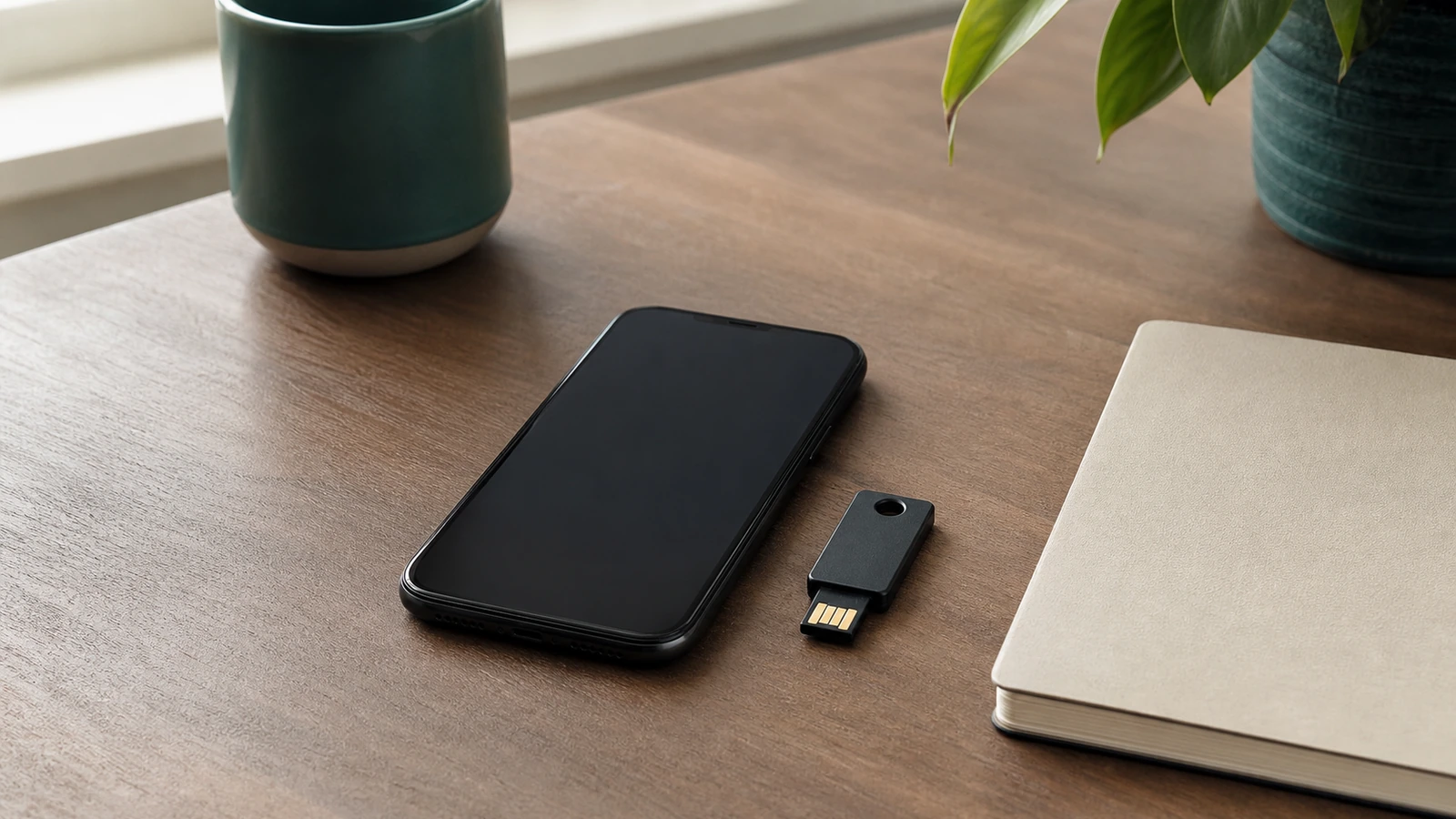
A compatible security key performs a cryptographic challenge for the legitimate service. Properly implemented, domain-bound authentication can resist credential phishing because the key does not authenticate a lookalike site as though it were the real domain. Security keys can be excellent for high-impact accounts, but support varies by service, browser, device connection, organization policy, and sign-in flow.
Enroll a spare key where supported and store it separately from the daily key. Name keys descriptively inside the account without exposing sensitive details, and periodically check that both still work. A key carried in the same bag as a laptop improves convenience but may not be an independent fallback if the entire bag is lost.
Passkeys
A passkey is a cryptographic sign-in credential unlocked on a device, often with a device PIN, password, or biometric. Passkeys are designed to be bound to the legitimate service and can offer phishing resistance when supported and implemented correctly. Some are synchronized through a platform credential manager; others stay on a particular device or hardware key. That distinction affects availability, sharing, recovery, and what happens when a platform account is inaccessible.
A passkey may replace the password in one service while acting alongside other steps in another. It should not be described as a universal second factor. Check whether the account supports multiple passkeys, cross-device sign-in, hardware-bound credentials, and a conventional recovery route. Know which platform account, device unlock, or security key controls each passkey.
| Method | Main strength | Important limitation | Practical fallback |
|---|---|---|---|
| SMS or voice code | Familiar and broadly available; better than a password alone when it is the supported option | Depends on phone number and carrier processes; codes can be phished | Offline recovery code or another enrolled method, if offered |
| Authenticator-app code | Works without cellular delivery and keeps routine codes off the phone network | Codes can be phished; transfer and synchronization behavior varies | Verified app transfer, spare device where supported, or recovery code |
| Push approval | Convenient and may provide sign-in context | Unexpected prompts, fatigue, and social engineering; design quality varies | Another enrolled method or provider recovery path |
| Hardware security key | Domain-bound cryptographic authentication can resist phishing | Service and device support vary; the key can be lost or unavailable | Separately stored spare key plus offline recovery material |
| Passkey | Cryptographic, service-bound sign-in with convenient local unlock | Sync, device binding, sharing, and recovery depend on implementation | Additional passkey on another supported device or documented account recovery |
Roll out protection in dependency order
Start with the email account that resets other passwords. Then protect the password manager, major cloud identity, financial and payment accounts, mobile-carrier account, work or school identity, social accounts with public reach, and any service holding sensitive records. The order should follow consequences and dependencies, not the number of times you open an app.
Use a unique password for each account even after adding a second factor. A password manager can help, but its own recovery and authentication deserve special care. The household password-manager guide explains why family members should keep individual logins and share selected credentials rather than one master account.
Use a repeatable setup sequence
- Open the service by typing a known address, using a trusted bookmark, or launching its official app; do not begin from an unsolicited message.
- Review active sessions, recovery email addresses, phone numbers, and trusted devices. Remove anything obsolete or unrecognized.
- Select the strongest practical method the service supports and that you can maintain. Record the dependency it creates.
- Enroll the primary method. For a security key or passkey, confirm the expected domain and device unlock. For an authenticator, preserve transfer information only through the app’s supported process.
- Generate new recovery codes if offered, store them offline, and invalidate any old set that may have been copied insecurely.
- Add a separate backup method or spare key where appropriate. Sign out of a noncritical session and test a normal sign-in before moving on.
Do not rush through every account in one sitting. Change a small group, update the dependency map, and verify it. Staged work makes it easier to discover that a browser lacks key support, an authenticator did not transfer, or an old phone number still controls recovery.
Design recovery as part of authentication
Recovery codes are usually single-use emergency credentials. Download or print a fresh set, label it with the service and date without adding the account password, and store it offline in a secure place. A locked physical file or another protected location separate from the daily phone is often more resilient than a screenshot in the same photo library. Do not send codes to yourself through ordinary chat or email.
Map each fallback: account, primary method, backup method, recovery-code location, recovery email, trusted device, and responsible person. The digital emergency plan can hold the map without holding every secret. Keep actual codes and passwords in their appropriate secure locations. For a household, decide what assistance is legitimate without giving everyone access to every private account.
NIST’s current digital identity authentication guidance distinguishes phishing-resistant cryptographic methods from methods that rely on manually entered codes and discusses restrictions around out-of-band authentication. Consumer services implement only parts of such standards, but the distinctions help explain why a hardware key or well-implemented passkey can resist attacks that still capture SMS or authenticator codes.
A backup must not silently defeat the primary control. If a security-key-protected account can always be reset through a poorly protected email address, the email becomes the practical security boundary. Strengthen that dependency, monitor changes, and remove stale phone numbers and devices. At the same time, avoid a brittle setup in which one lost key permanently removes all access; use supported independent fallbacks.
Recognize phishing and prompt abuse
A one-time code is not safe to share simply because it expires soon. If anyone asks for a code by phone, chat, email, or a form reached through an unexpected link, stop. Navigate to the real service independently and inspect activity. Support staff should not need you to read back an authentication code intended for your sign-in.
Unexpected push requests deserve the same caution. Deny rather than ignore when the interface offers that choice, then investigate through a trusted route. Domain-bound cryptographic authentication improves phishing resistance, but users still need to notice account-recovery messages, malicious consent screens, and logged-in session theft. No sign-in method removes the need for updates, device locks, and account monitoring.
Common mistakes and failure modes
- Relying on one phone: the authenticator, SMS number, recovery inbox, and approval prompts all disappear together when that phone is lost.
- Saving recovery codes beside the password: one stolen file then opens both paths.
- Approving a mystery prompt: convenience becomes an attack route when the request was not initiated by you.
- Replacing a method before testing: deleting the old token or phone profile too early can create a preventable lockout.
- Assuming every passkey or push flow is identical: provider, platform, synchronization, and recovery designs vary.
- Keeping stale fallbacks: an old phone number, forgotten device, or abandoned email account can remain a recovery weakness.
FAQ
Is SMS two-factor authentication worth using?
Yes when the realistic alternative is only a password and the service offers nothing stronger. SMS has phone-network, account-takeover, delivery, and phishing risks, so prefer a well-supported stronger method for important accounts when practical. Secure the carrier account and keep another recovery route.
Are authenticator apps phishing-resistant?
Ordinary rotating codes can be entered into a fake site and relayed to the real one, so they are not inherently phishing-resistant. They still avoid routine SMS delivery and can be a useful option. Domain-bound security keys and appropriately implemented passkeys provide stronger phishing resistance where supported.
Do biometrics count as the second factor?
A fingerprint or face check often unlocks a credential locally rather than being sent to the website as a standalone factor. The answer depends on the system’s design. Focus on the complete authentication flow, the device-unlock fallback, and the provider’s recovery rules rather than the marketing label.
How many backup methods should I add?
Enough to survive a plausible loss without creating unnecessary weak paths. For a critical account, that may mean a daily method, a separately stored spare key or other supported method, and offline recovery codes. Review each fallback’s dependencies and remove obsolete ones.
Takeaway
Protect accounts in dependency order, choose the strongest practical supported method, and build recovery before declaring setup complete. SMS, app codes, push, security keys, and passkeys offer different trade-offs; none should be discussed as universally available or interchangeable. An offline recovery set, an independent backup route, and a tested sign-in turn a stronger login into a system you can actually keep using.

Madison Rowe
Madison Rowe is a Disco Lift staff byline covering everyday technology, digital organization, privacy, and connected devices. Articles published under this pen name are reviewed under Disco Lift’s editorial standards.