How to Create a Simple Digital Emergency Plan for Your Family
Map digital recovery dependencies, assign household roles, prepare offline fallbacks, and keep sensitive secrets separate from the general plan.



Practical guides to devices, software, digital organization, privacy, security, smart-home tools, and emerging technology.
Map digital recovery dependencies, assign household roles, prepare offline fallbacks, and keep sensitive secrets separate from the general plan.
Diagnose a slow browser by layer, test one change at a time, and reserve broad data clearing or a full reset for evidence-backed escalation.
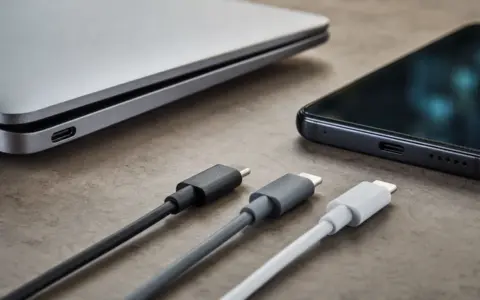
USB-C describes a connector shape, not a complete feature set. Learn how to match ports, chargers, cables, displays, docks, and devices.
Create one dependable photo library, consolidate cautiously, and protect originals with a verified backup before removing any duplicate or old copy.
Review smart-home privacy room by room, minimize collection and sharing, protect accounts, shorten retention, and preserve manual control.
Check a refurbished phone’s seller terms, activation status, support horizon, battery, hardware, warranty, and return window before keeping it.
Build a layered phone backup, protect recovery access, and verify what can actually be restored before the original device is gone.
Diagnose the real Wi-Fi problem, then choose an extender, mesh system, wired access point, or no new hardware.
Compare family password managers by privacy, sharing, recovery, MFA, exports, and the consequences when a person, device, or service fails.
Move what matters, archive what might matter, and leave old clutter behind with a staged laptop setup and verification workflow.