

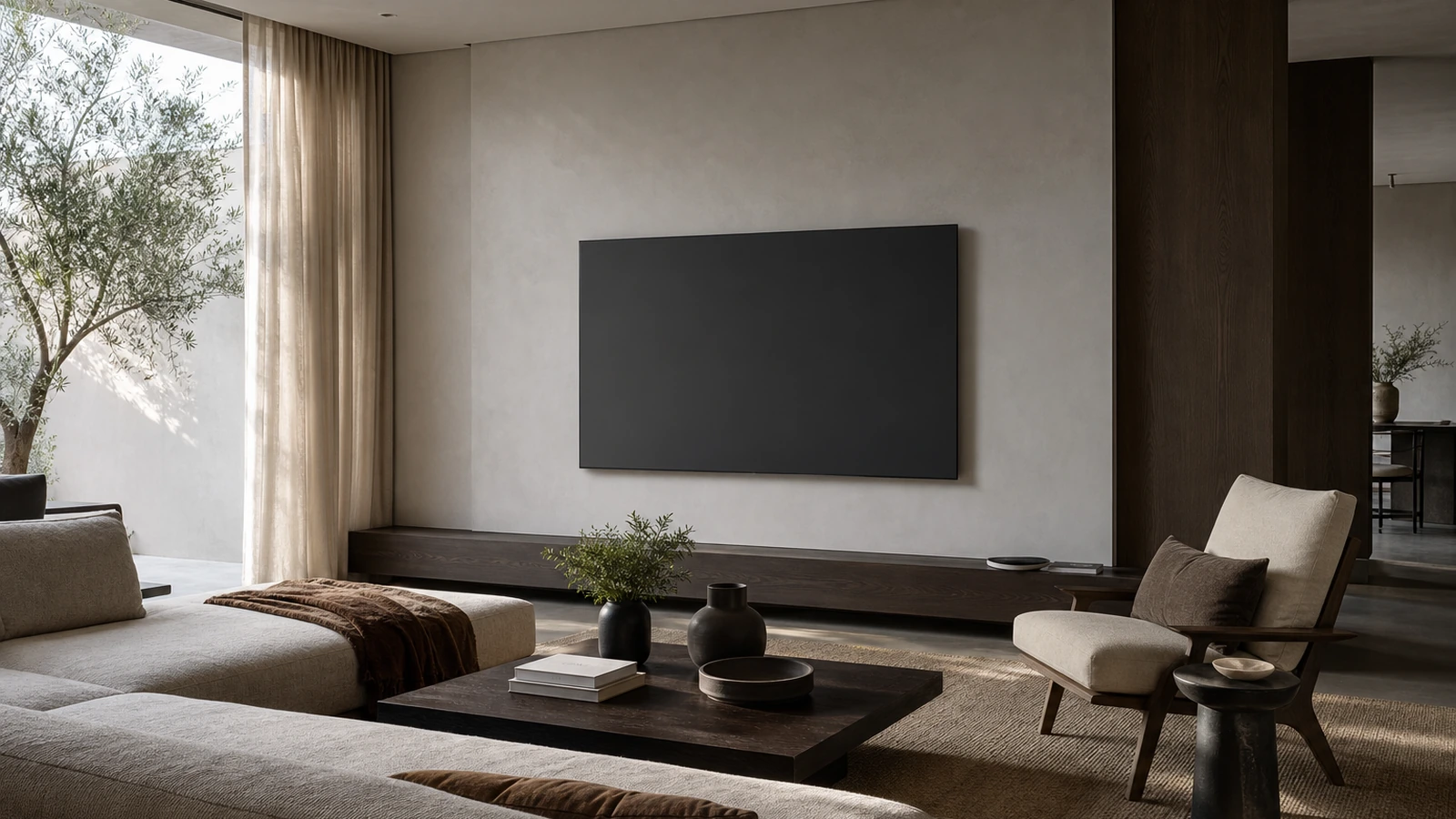
Deciding where to put a TV is a room-planning problem before it is a mounting problem. The best position lets people watch from the seats they actually use without repeatedly lifting, turning, or lowering their heads. It also avoids the worst reflections, leaves speakers room to work, keeps doors and walkways clear, and gives power and signal cables a safe, serviceable route. A dramatic wall may be the room’s visual focal point and still be a poor viewing wall.
Do not choose a height from a universal diagram or copy a showroom. Screen size, seating distance, recline, room brightness, furniture, speaker layout, wall construction, and the viewers’ mobility all change the result. Make a full-size cardboard or painter’s-tape mockup, sit in every important seat, and observe it at different times of day. Confirm the television and mount manuals, wall structure, connector clearances, and electrical requirements before installation.
Begin with the viewers and their real seats
Mark the primary seat, secondary seats, and any place used for short viewing, gaming, exercise, or gatherings. A sofa centered on the screen may be the priority, while a side chair only needs an acceptable angle. If two seats matter equally, position the screen so neither requires an extreme turn. Include the people who use the room: a location that feels fine to a tall adult sitting upright may be uncomfortable to a shorter viewer, a child, or someone who watches from a recliner.
Use the middle of the screen as a starting reference, not an absolute rule. In a typical upright seat, bringing the central viewing area reasonably close to the natural seated gaze often feels relaxed. A modestly higher position can work when viewers recline or when furniture must sit below the screen, but the mockup should prove it. Spend at least several minutes looking at the top, center, and bottom of the outline. Notice neck extension, chin position, and whether your eyes return naturally to the center after looking away.
Measure the room you have, not an idealized room
Record screen dimensions, including the bezel, rather than relying only on the advertised diagonal. Measure the furniture height, seat depth, approximate eye position, viewing distance, and the width of the wall. Check whether a larger screen would crowd trim, art, speakers, or a doorway. A screen that technically fits may visually dominate a small wall or force left and right speakers into corners.
Viewing distance is partly a preference and partly a content issue. Very close seating can make a large image feel immersive but may expose lower-quality material and require more eye movement. Far seating makes details and captions harder to perceive. Instead of treating a formula as law, mock up the proposed screen size and, if possible, temporarily place the actual TV on its supplied stand. Watch familiar material from every seat before committing to holes in the wall.
Use a dark mock screen to reveal glare
Glare is not simply “a bright room.” It is a reflection geometry problem. A window opposite the television may appear clearly in the dark screen, while a side window may cause only diffuse brightness. A lamp behind the sofa can produce a concentrated reflection from one seat and disappear from another. Glossy and matte screen treatments behave differently, so inspect the actual model when possible rather than assuming all panels will react alike.
Tape up dark paper or cardboard at the proposed location and observe it in morning, midday, afternoon, and evening conditions. Sit down; standing observations use a different reflection angle. Turn on the lamps normally used at night. If the reflected window or bare bulb sits in the central viewing area, first test another wall, a small horizontal shift, a change in lamp position, or a different seating angle. Window coverings can help, but a room should not have to become a cave for casual daytime viewing.
If adjustable window treatment is part of the solution, plan it as a separate layer rather than as permission to ignore the screen position. For connected treatments, review the control, power, and privacy decisions in our guide to smart-home privacy settings. Remember that sunlight direction changes by season, and nearby pale walls, mirrors, and polished tables can add indirect reflections even when a window is not directly opposite the screen.
Plan sound at the same time as the picture
Thin televisions often direct sound downward, backward, or through small openings defined by the model. A tight recess, deep mantel, or decorative panel can obstruct those paths or create uneven reflections. Read the manual for required clearances and intended orientation. Before fixing the screen height, decide whether sound will come from the television, a soundbar, separate speakers, or a receiver-based system.
A soundbar needs physical space, a clear path for any upward- or side-firing drivers, access to its controls and connectors, and a position that does not block the lower edge of the image or the TV’s remote sensor. Separate speakers generally work best when their positions are planned around the listening area rather than squeezed into leftover gaps. Centering the television over a console but placing one speaker against a wall and the other in open space can create an asymmetrical result.
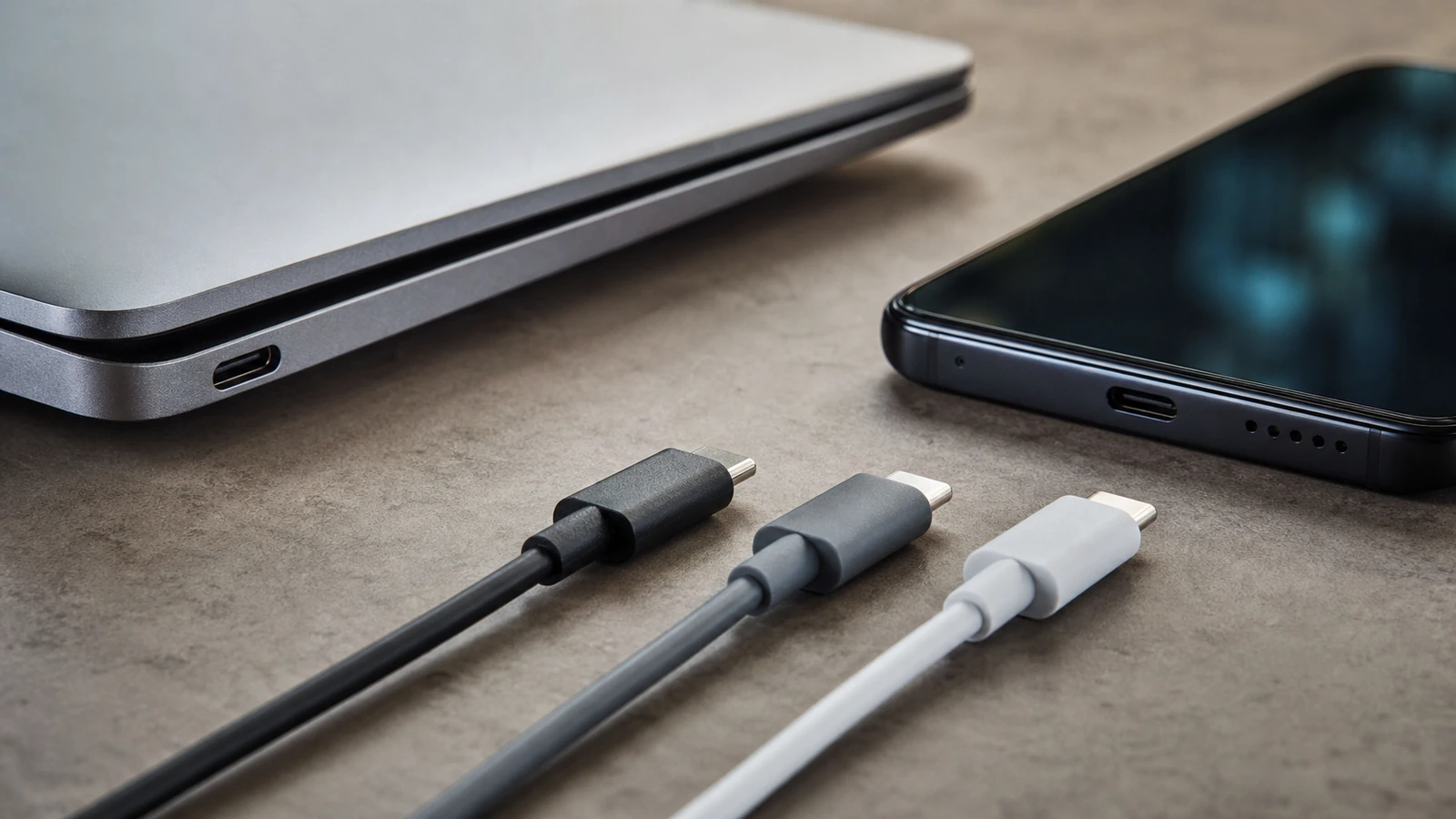
Leave a service plan for audio connections. Connector names and supported features vary by TV, sound device, cable, and firmware. Verify the exact manuals and ports instead of assuming that two compatible-looking sockets provide every desired format or control function. If a computer or mobile device will sometimes feed the screen, our guide to USB-C ports, cables, and compatibility explains why connector shape alone does not prove video support.
Compare the practical placement options
| Placement | Works well when | Plan carefully for | Test before committing |
|---|---|---|---|
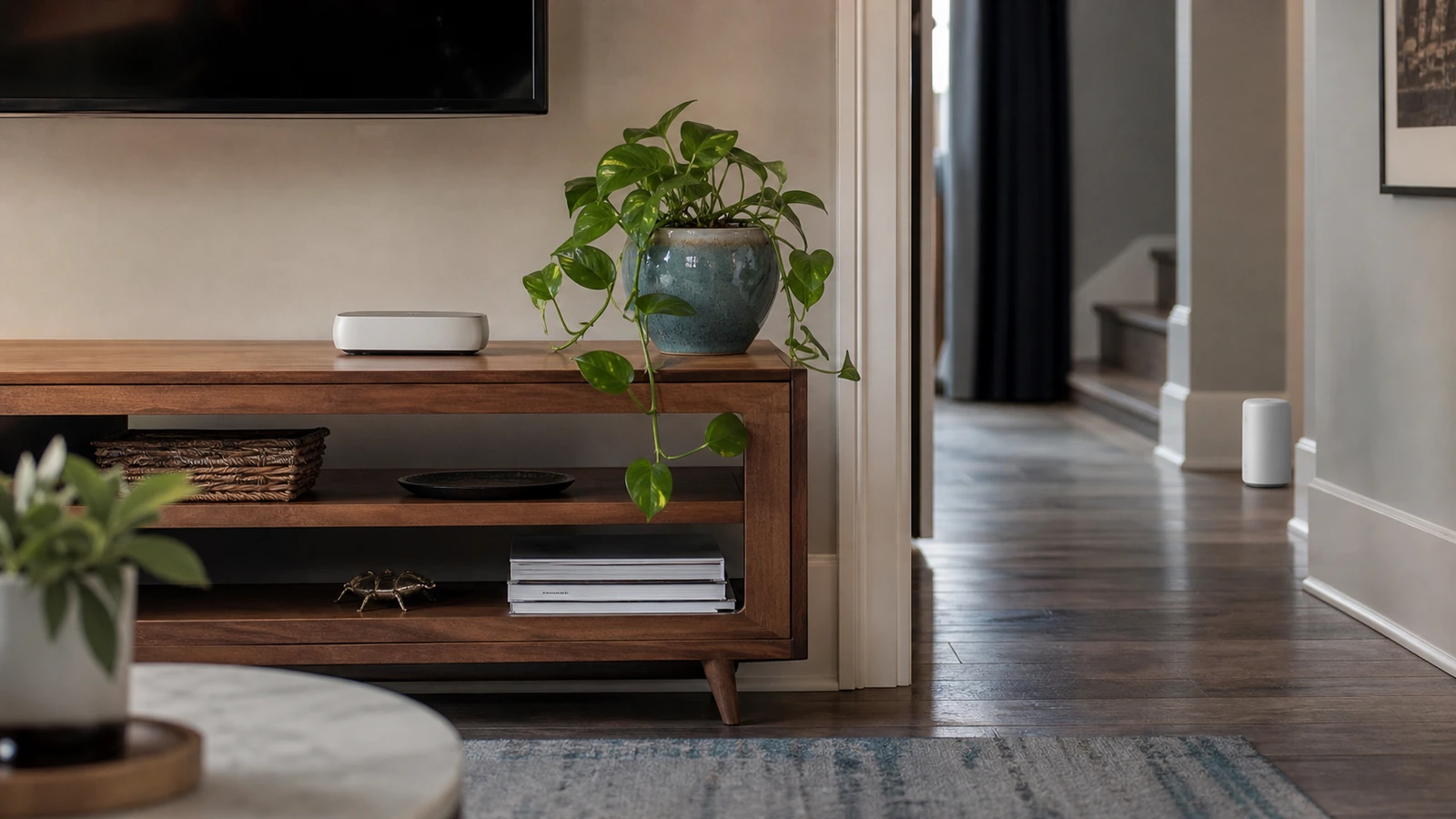
| On a media console | The supplied stand fits fully and the furniture is stable, level, and appropriately rated | Tip restraint, ventilation, stand depth, cable access, children, pets, and speaker clearance | Screen height, furniture flex, door movement, and sightlines |
| Fixed wall mount | The final position is known and the wall can support the specified installation | Structure, approved fasteners, port access, exact mount compatibility, and future removal | Full-size outline, glare, cable bends, and device clearance |
| Tilting wall mount | A modestly elevated location is unavoidable and the model allows the intended angle | Viewing-angle changes, bottom clearance, mount depth, and secure adjustment | Image from every seat and reflections with the tilt set |
| Articulating mount | Different activities genuinely require different screen positions | Higher leverage on the wall, collision paths, cable movement, locking, and user handling | Every extended and folded position, including doors and traffic |
| Built-in niche | The opening allows all manufacturer clearances and connector access | Heat, ventilation, sound, future screen dimensions, and difficult servicing | Air space, plug access, speaker behavior, and removal path |
Design power and cable routes before drilling
List every device that will connect now: television, audio equipment, streaming player, game console, antenna or cable feed, network connection, and any control hub. Then add reasonable future flexibility without filling the wall with speculative cable. Identify which equipment can live in a ventilated console and which must remain near the screen. An empty conduit or accessible raceway may provide more adaptable capacity than permanently burying several current-generation signal cables, but suitability depends on the wall and local requirements.
Do not run an ordinary flexible power cord inside a wall or conceal plugs where they cannot be reached, unless the exact product and installation method are specifically approved for that use. Do not improvise mains wiring. If a receptacle must move behind the television or new fixed wiring is needed, use a qualified electrician and follow applicable local requirements. Keep signal cables away from pinch points and sharp bends, respect their documented bend limits, and provide strain relief so the connector does not carry the cable’s weight.
Connector clearance can determine mount depth. A plug that points straight backward may be crushed by an ultra-slim mount; a side-facing port may become inaccessible beside a bracket. Check the rear-panel drawing for the exact television and lay the mount rails against that diagram. Leave enough slack for a tilting or articulating mount to move through its full range without pulling, scraping, or folding cables. Labeling both cable ends is useful, but place labels where they remain out of sight and do not trap heat.
Plan the network, but do not confuse it with placement
Streaming quality depends on the service, router, network path, television or player, and app—not just signal bars beside the screen. Test the intended location before closing walls. If coverage is weak, diagnose the cause rather than automatically hiding an extender behind the television, where electronics, cabinetry, and poor placement may limit it. The Wi-Fi extender versus mesh guide offers a practical coverage workflow. Where an appropriate network cable can be installed, it may provide a predictable option for fixed equipment, but ports and support remain device-specific.
Respect furniture, circulation, and the wall itself
A good screen location should not narrow a major walkway, invite people to brush an extended mount, or interfere with cabinet doors and window hardware. Check the view from the room entrance as well as from the sofa. If the screen sits over a console, leave enough working space to connect equipment without pulling the furniture into the traffic path. Secure furniture and the television according to their instructions, especially where children or pets can reach them.
Fireplaces deserve extra caution. Heat, smoke, surface temperature, mantel depth, viewing height, wall construction, and fireplace-maker restrictions vary. Do not assume that a mantel makes the location safe or that a tilting mount solves excessive height. Read both product manuals, measure actual conditions as directed, and consult the fireplace manufacturer, a qualified installer, or another appropriate professional. If the only compliant position produces an uncomfortable mockup, choose a different wall or a console layout.
Wall appearance does not identify structure. Drywall, plaster, masonry, tile, metal framing, wood framing, and layered finishes require different assessment and fastening methods. A mount’s capacity also depends on correct assembly, compatible mounting pattern, approved hardware, sound substrate, and installation. Never infer safety from a single anchor claim or from the TV feeling light when two people lift it. Follow the exact mount and television instructions, and hire a qualified installer when the structure, utilities, or fastener selection is uncertain.
Common placement mistakes
- Centering on the wall instead of the seating: Architectural symmetry can leave viewers looking sideways. Center on the priority viewing zone or intentionally balance the compromise.
- Choosing height while standing: Installers work upright, but viewers sit. Make every height decision from the actual seats.
- Testing only with a bright image: Reflections are easier to see on a dark screen. Test both bright and dark scenes or a dark mock surface.
- Buying the mount before checking ports: Rails, plates, and shallow clearances can block connectors or force damaging cable bends.
- Hiding every device: Closed cabinets can complicate ventilation, wireless control, updates, and service. Follow each device’s requirements.
- Leaving no removal path: A beautiful built-in becomes frustrating if the TV cannot be lifted off the mount or connectors cannot be reached.
A low-risk planning sequence
- Measure the exact screen, wall, furniture, seats, trim, doors, and equipment.
- Choose the priority seats and create a full-size dark mockup at the candidate height.
- Observe seated comfort and reflections through the room’s normal light cycle.
- Lay out sound equipment, console space, ventilation, power, signal paths, and service access.
- Check the exact manuals, mounting pattern, weights, clearances, structure, hardware, and local electrical needs.
- Temporarily test the actual TV on its stand when practical, then revise the plan before drilling.
- Use qualified electrical or mounting help where required, and verify level, security, cable freedom, audio, network, and every seat after installation.
FAQ
Should the center of the TV always be at eye level?
No single height suits every room. A central viewing area near a relaxed seated gaze is a useful starting point, but reclined seating, screen size, furniture, secondary seats, and accessibility can justify an adjustment. A full-size mockup viewed for more than a moment is more informative than a universal floor measurement.
Is it a bad idea to put a TV opposite a window?
It can create strong reflections, but the result depends on window direction, shade coverage, screen finish, season, and seat angle. Test a dark mock screen at the relevant times. If ordinary viewing requires fully closing the room every day, another wall or a shifted layout may be more practical.
Can I mount a television above a fireplace?
Only if the television, mount, fireplace, wall, temperatures, clearances, and installation all meet their manufacturers’ requirements and the position remains comfortable. Conditions vary too much for a general approval. Review both manuals and involve qualified professionals when heat, wiring, or structure is uncertain.
How much room should I leave behind the TV?
Use the exact television and mount instructions. The required space depends on ventilation openings, connector direction, plug depth, bracket geometry, and whether the screen moves. Confirm that all cables fit without pressure and that service access is possible before tightening the final position.
Should devices and cables go inside the wall?
Only use methods and components approved for the intended installation and permitted by applicable requirements. Ordinary device power cords should not be improvised as in-wall wiring. A serviceable console, listed raceway, suitable conduit, or professionally installed receptacle may be a better answer depending on the room.
The takeaway
Put the TV where real viewers can sit naturally, reflections can be managed without constant effort, sound equipment has the clearance it needs, and every cable remains safe and serviceable. Prove the position with a life-size dark mockup, daylight checks, and the actual manuals. Only then select the mount and authorize holes, wiring, or built-in work.

Madison Rowe
Madison Rowe is a Disco Lift staff byline covering everyday technology, digital organization, privacy, and connected devices. Articles published under this pen name are reviewed under Disco Lift’s editorial standards.