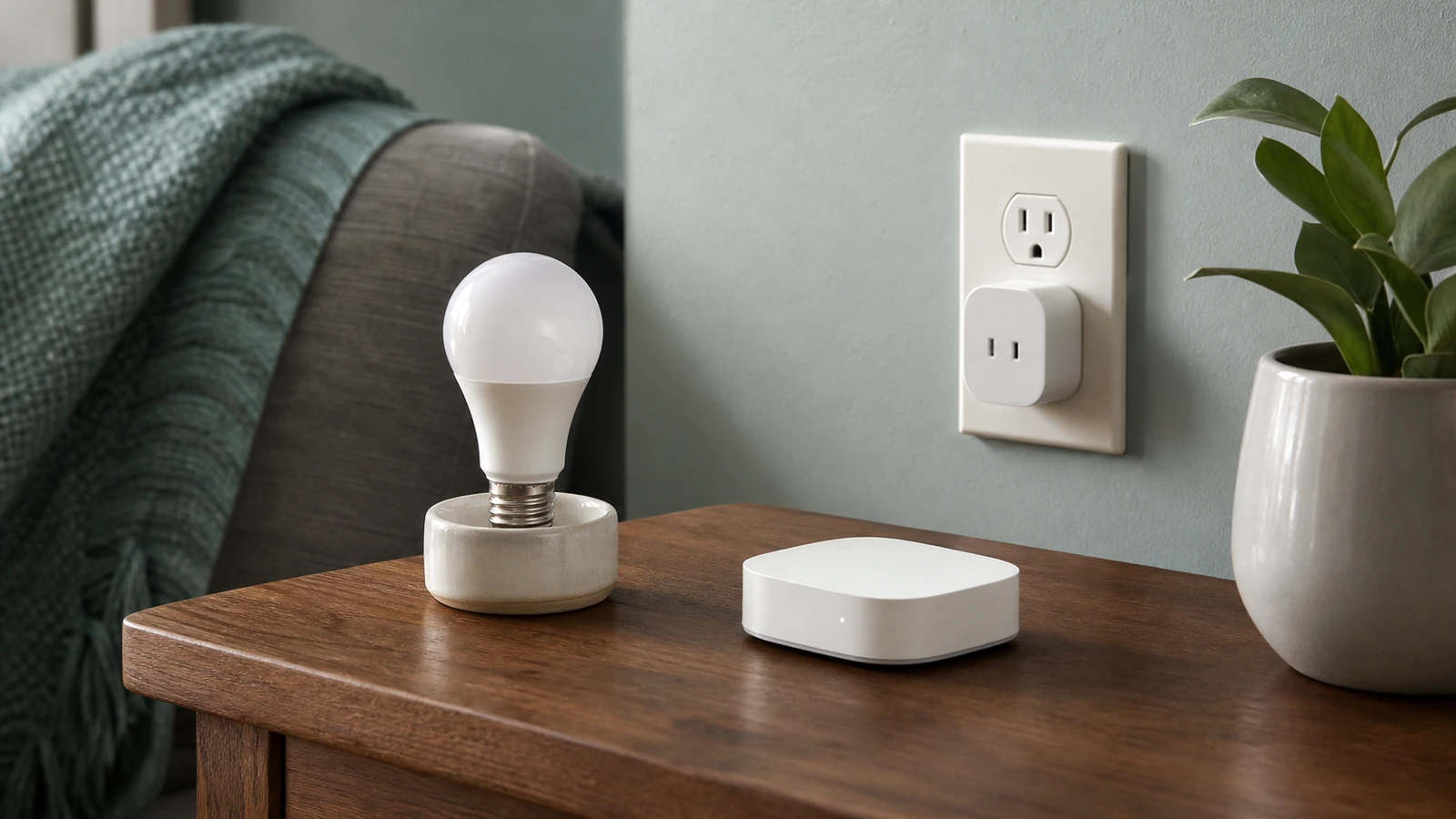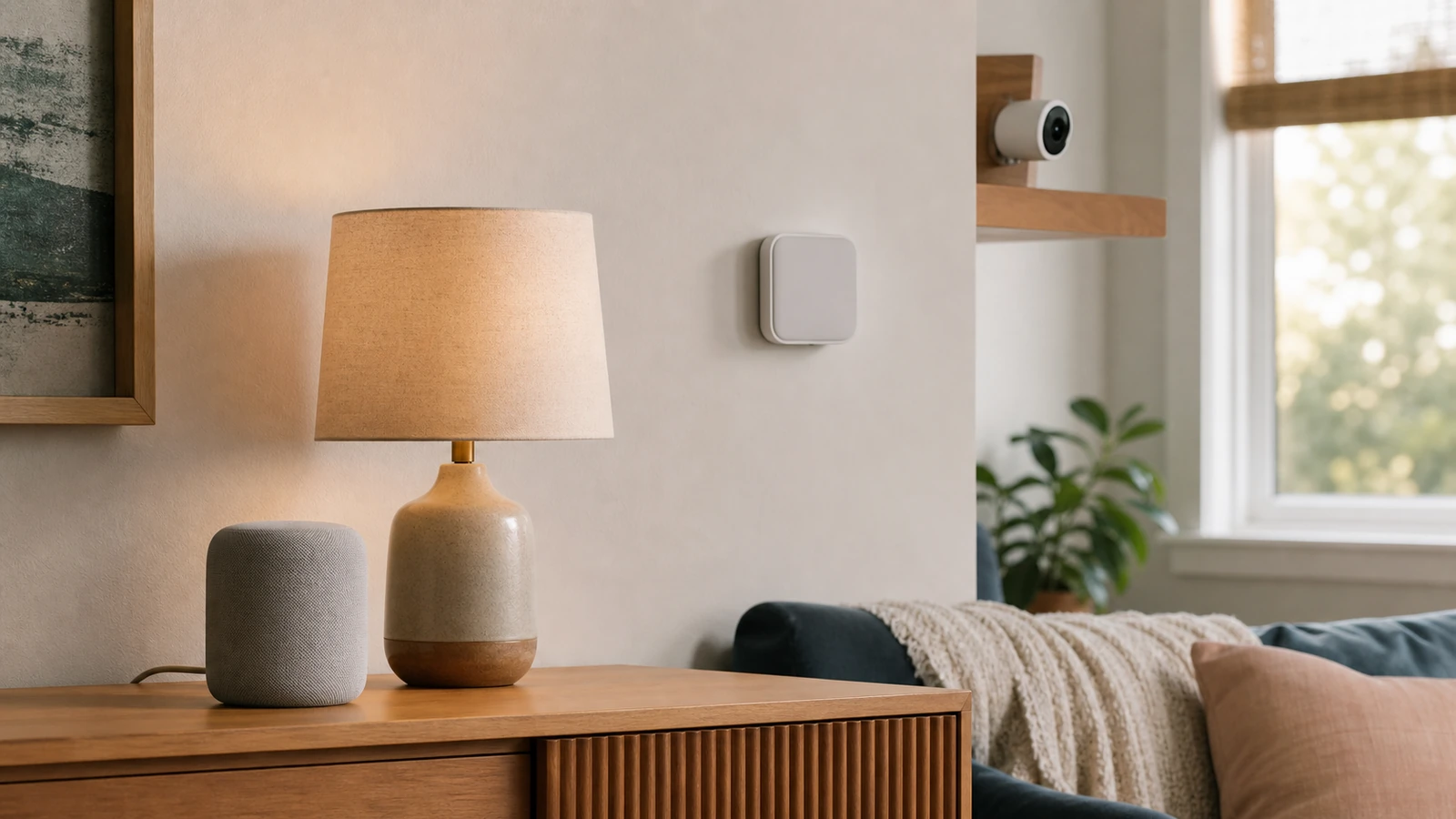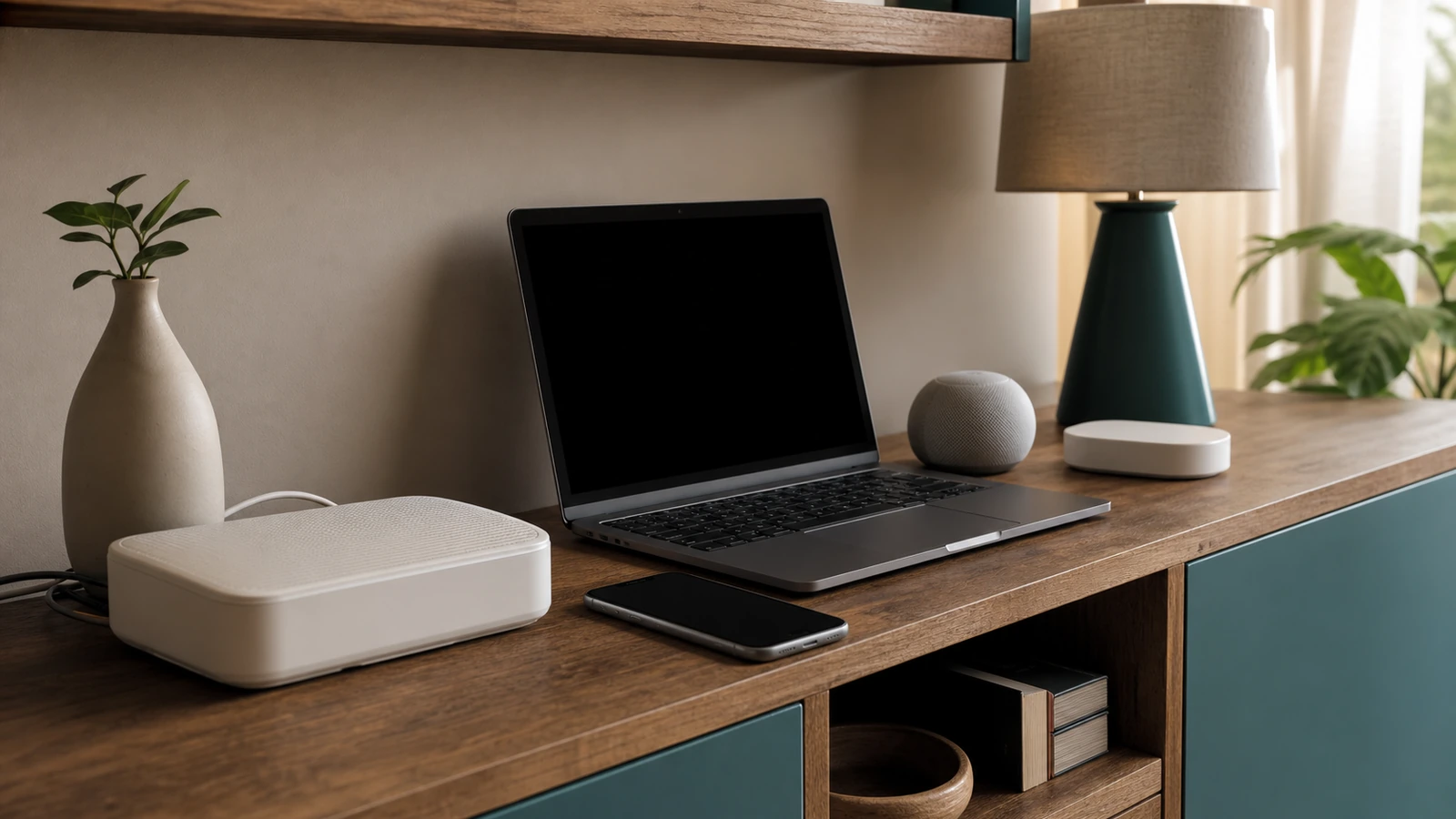


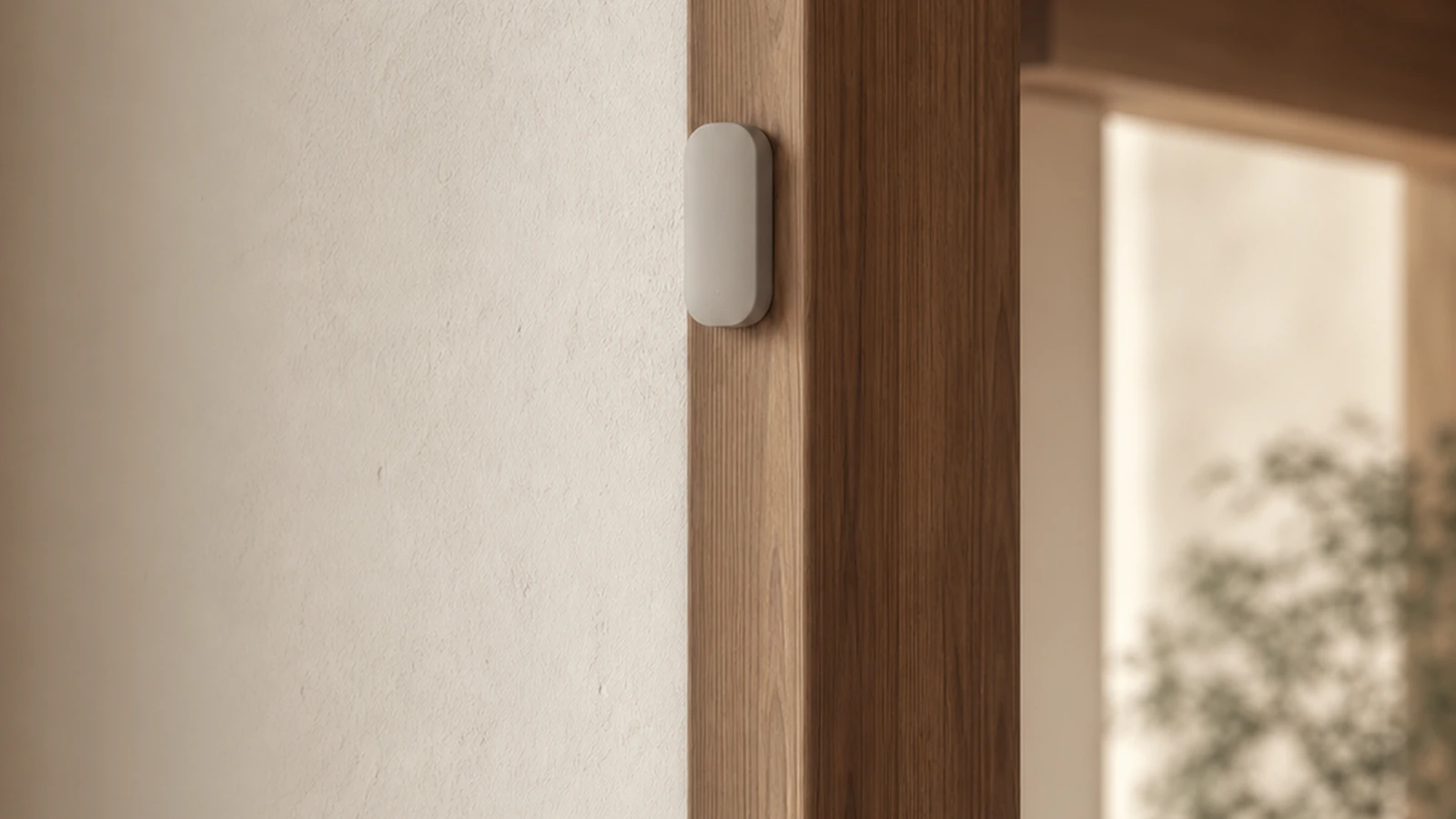
A smart sensor blends into a room best when it is visually quiet but still positioned to perform its limited job. Hiding it behind furniture, painting over it, or placing it far from the condition it is meant to detect may produce a cleaner photograph and a worse system. Good integration starts with the sensing path, privacy boundary, power source, network route, and maintenance access. Color and concealment come later.
Consumer smart sensors can provide useful observations and notifications, but they do not promise that a home is safe, occupied, dry, comfortable, or problem-free. No alert does not mean no problem. Detection ranges, thresholds, delays, environmental limits, battery reporting, connectivity, and alert delivery vary by model and setting. Follow current instructions for the exact product. Never replace code-required alarms, professional monitoring, physical inspection, or an appropriate manual control with a general-purpose smart sensor unless the applicable authority and product documentation explicitly permit that use.
Begin with a narrow job and a human response
Write a statement that connects observation to action: “If this cabinet sensor reports water, a household member will inspect the cabinet and shut off the relevant supply if safe and appropriate,” or “If this contact sensor reports an open window at bedtime, someone will verify the window.” The sensor is not the response. It is one input that may prompt a person or another limited routine.
Avoid vague goals such as “secure the room” or “prevent damage.” A consumer motion sensor may notice certain movement under certain conditions; it does not understand intent or confirm that a room is empty. A moisture sensor may react where liquid reaches its contacts; it does not inspect the entire pipe, wall, or floor. Narrow wording makes placement and testing more honest.
Decide the consequence of a missed event and a false alert. If a missed condition could involve life safety, required building protection, major property risk, health, or urgent care, do not treat a decorative smart-home device as the only measure. Seek the appropriate code-compliant equipment, qualified guidance, monitoring, maintenance, and inspection for that risk.
Match placement to the sensing mechanism
Before choosing a color or mount, determine how the device senses. A contact sensor needs its two components aligned within the maker’s stated spacing as the door or window moves. A passive motion sensor generally needs an unobstructed view of the intended movement area, but its actual pattern and environmental limits are model-specific. A temperature or humidity sensor needs representative air rather than a pocket heated by sun, electronics, or a vent. A leak sensor must be where liquid is likely to reach its detection area without being submerged or exposed beyond its rating.
Use removable paper markers to compare candidate locations. Walk through the room at the times and in the conditions that matter. Open the door fully, draw curtains, operate fans, move chairs, and observe sun patches. A location that works in an empty daytime room may be blocked by an open door at night or triggered by ordinary household movement.
| Sensor role | Placement priority | Decor-friendly approach | Important limit to test |
|---|---|---|---|
| Door or window contact | Reliable alignment through the full movement | Mount parallel to trim with a compatible low-profile spacer | Gap, vibration, shifting frame, and open/closed reporting |
| Motion or occupancy input | Clear view of the intended approach or activity zone | Use a high trim line or shelf edge only if the field remains correct | Blind spots, pets, curtains, heat sources, and delayed clearing |
| Temperature or humidity | Representative room air | Place on a quiet wall near related controls, not behind art | Sun, drafts, exterior walls, electronics, and slow response |
| Water or leak observation | Likely path or low point identified by inspection | Use an accessible toe-kick or cabinet location, not a sealed disguise | Whether water can reach the sensing area and whether alerts arrive |
| Light-level input | View of relevant ambient light without fixture glare | Align with a shadow line or neutral wall plane | Seasonal sun, reflections, curtains, and artificial light feedback |
| Air-quality consumer monitor | Manufacturer-directed height, clearance, and airflow | Give it open space among restrained objects rather than hiding it | Warm-up, calibration guidance, interference, maintenance, and meaning of readings |
The table describes planning questions, not universal placement rules. Product instructions control. Do not mount a general-purpose sensor where its temperature, moisture, outdoor exposure, contamination, or electrical rating is exceeded. Do not modify a listed life-safety alarm or use decor to cover its openings, indicator, test control, sounder, or required clearance.
Use sightlines instead of camouflage
A device often disappears visually when it aligns with architecture. Place a small rectangular contact sensor parallel to a trim edge, center a round sensor within a deliberate wall zone, or set a monitor on a shelf where its proportions relate to nearby objects. Alignment and repetition are usually calmer than an almost-matching paint color.
View candidate positions from the doorway, main seat, and normal walking route. A sensor hidden from one angle may be conspicuous from another. Prioritize the most common sightline without sacrificing function. Soft contrast can look intentional: a pale device on medium wood may be more refined than a painted shell with clogged seams.
Do not paint, wrap, wallpaper, drill, or enclose a sensor unless its manufacturer explicitly allows the treatment. Coatings and covers can block vents, lenses, radio paths, buttons, contacts, sound openings, or access to batteries. They can also conceal model information or signs of damage. If appearance is unacceptable, select a different approved mounting position or a product whose enclosure suits the room.
Keep service access part of the composition
Every battery device needs a removal path. Leave enough hand clearance to open its compartment or release it from the mount without prying against finished surfaces. A sensor above a cabinet may look discreet but require unsafe climbing for every test. A leak sensor pushed behind an appliance may be impossible to inspect without moving heavy equipment.
Use mounting hardware approved for the product and surface. Adhesive performance changes with paint, texture, cleaning residue, temperature, load, and age. Test finishes where appropriate, prepare the surface as directed, and add the mount itself to inspections. For screws, verify what is behind the surface and use suitable anchors; seek qualified help when hidden wiring, plumbing, structure, or an unfamiliar substrate may be involved.
Record the installed location, power type, battery type if replaceable, app or hub, owner account, and reset/removal method. A small household inventory is more useful than a sensor hidden so well that the next resident cannot identify it.
Plan power and failure behavior
Battery power offers placement flexibility, but it adds a maintenance dependency. Battery life estimates are conditional, not a schedule you can trust blindly. Radio conditions, reporting frequency, temperature, activity, configuration, and battery quality can change service life. Enable low-battery notices if offered, inspect on a calendar, and replace batteries according to the product instructions. Keep battery types and ingestion hazards managed appropriately, especially around children and pets.
Plug-in or wired power avoids routine battery replacement but can create visible cords, outlet dependence, and a different outage mode. Keep cords supported and away from walking paths, water, doors, and moving furniture. Do not run unsuitable cables through walls or improvise permanent wiring. Use qualified electrical help for fixed wiring or uncertainty about local requirements.
Ask what happens after lost household power. Does the sensor restart on its own? Does the hub recover? Are settings retained? Does the app show a stale last reading as if it were current? A backup power source may support selected equipment for a limited period, but it introduces its own capacity, maintenance, and compatibility requirements. It does not make the complete path failure-proof.
Map the network and alert path
An alert may depend on the sensor, battery or power supply, radio link, hub, router, internet service, vendor system, user account, phone connection, operating-system permissions, app settings, and attention of the recipient. Local automation may remove some dependencies, but “local” has to be confirmed for the exact event and behavior. The smart-home starter guide can help separate devices, hubs, control layers, and manual fallbacks. Use the home network security checklist to inventory connected devices and review router access before adding another sensor.
Test the alert path end to end. Create a safe, reversible test condition permitted by the manufacturer, verify the sensor state, confirm the automation if any, and make sure the intended phone receives a visible and audible notification under expected focus or quiet settings. Repeat with the app closed. Then test relevant failures: disconnect internet if it is safe to do so, restart the hub, or temporarily disable phone connectivity. Document what still works and what silently stops.
Restore every setting after the test and confirm normal status. Test each recipient separately; one successful phone does not prove another account, permission set, or device is configured correctly. Repeat after major app, phone, router, hub, or account changes. Never create a dangerous leak, electrical condition, fire condition, or unauthorized entry merely to test a consumer sensor.
Set a privacy boundary room by room
Start with the least revealing sensor that can accomplish the job. A contact sensor can report that a door changed state without recording audio or video. A motion input may support a lighting routine without identifying a person. Less revealing does not mean no data: timestamps, patterns, room names, device identifiers, account details, and remote access can still expose household routines.
Review what the product collects, where processing occurs, how long records remain, who can access them, which integrations receive them, and what functionality changes when options are disabled. Settings and policies can change. The Disco Lift guide to smart-home privacy settings provides a practical data-flow inventory and permission review.
Use individual accounts where available, grant only needed household access, protect accounts with unique credentials and stronger sign-in options when supported, and remove former residents or guests promptly. Avoid revealing room names if a more general label works. Disable unneeded voice, location, history, sharing, or third-party connections, recognizing that doing so may reduce functionality.
Extra care is appropriate in bedrooms, bathrooms, work areas, rental spaces, and rooms used by children, guests, caregivers, or employees. Discuss the purpose and placement with affected people. Follow applicable laws, lease terms, workplace rules, and consent requirements. A device being visually discreet is not permission to make it undisclosed.
Preserve inspection and manual fallback
Pair every sensor routine with a non-app method. A water sensor supplements checks of hoses, fittings, cabinets, and visible surfaces. A window contact supplements physically checking the latch. A temperature reading does not replace noticing discomfort, inspecting heating or cooling equipment, or following professional advice. A motion-triggered light should still have an understandable physical control.
No alert does not mean no problem, and an alert does not diagnose the cause. Treat a notification as a prompt to assess conditions safely. If there may be fire, gas, electrical danger, structural damage, medical risk, crime, or another emergency, follow the relevant emergency plan and contact appropriate services or qualified professionals rather than relying on the app for reassurance.
Keep code-required alarms, shutoffs, exits, panels, test controls, and access points visible and operable. General smart-home routines must not obstruct or substitute for required systems. If the sensor stops working, the home should retain a practical way to operate the light, inspect the area, close the opening, or take another appropriate action.
Room-by-room integration examples
Entry and hallway
A contact sensor can align with the top or side trim if the moving and fixed parts remain correctly spaced. A motion input for courtesy lighting may fit a quiet corner with a view of the approach, but test traffic from adjacent rooms and pets. Keep manual lighting controls obvious.
Living room
Place temperature, light, or occupancy inputs away from a television’s heat, direct lamp output, sunny glass, curtains, and moving decor. A shelf position can work only if objects do not block the sensing field or radio. Recheck after seasonal furniture changes.
Kitchen and utility spaces
Put a leak sensor where an accessible inspection suggests water is likely to appear and where the product’s environmental rating permits. Do not bury it under stored goods. Heat, steam, grease, vibration, metal cabinets, and appliances may affect placement or communication, so test in normal operating conditions.
Bedroom
Favor low-data inputs and discuss them with the occupant. Avoid intrusive collection merely to automate a lamp. If a motion routine supports nighttime navigation, test slow movement, the route to the physical switch, and behavior during lost connectivity. Do not let decorative placement interfere with required alarms or exits.
Common placement and planning mistakes
- Decor first: The sensor goes behind art or inside a box before its field is tested. Establish function, then reduce visual prominence.
- One successful trigger treated as proof: Test across relevant times, room arrangements, and expected movement, while recognizing that testing cannot cover every condition.
- Alerts assumed to be monitoring: A notification path can fail at many layers. Name recipients, test delivery, and retain inspection.
- Stale data overlooked: A last reading may remain visible after communication stops. Learn how the system shows offline state and timestamps.
- Battery notices trusted completely: Schedule physical checks and know how to replace power without losing configuration.
- Household consent skipped: A discreet device still affects people. Explain what it observes and who can see the data.
- Manual control removed: An automation becomes the only practical method. Restore a clear physical or procedural fallback.
FAQ
Can I hide a motion sensor behind a plant or curtain?
Usually that risks blocking or changing its sensing field, and moving leaves or fabric may affect behavior. Use the exact placement guidance and test an open architectural position. Never assume a thin decorative material is invisible to the sensor.
How often should I test a smart sensor?
Follow the manufacturer’s specified test and maintenance schedule, then add checks after battery replacement, remounting, network or hub changes, app or phone changes, and room rearrangement. Higher-consequence uses need an appropriately cautious plan beyond a consumer sensor alone.
Are battery sensors more reliable during a power outage?
The sensor may remain powered, but the hub, router, internet service, vendor system, or recipient phone may not. Reliability depends on the complete path. Test and document outage behavior without assuming battery power at one component preserves alerts.
Does a smart sensor improve home security?
It may provide a limited observation or trigger a routine, but it cannot promise security, prevent entry, verify intent, or ensure an alert reaches someone. Use appropriate physical measures, required systems, professional advice, and household practices for the risk involved.
What should I do before removing or selling a sensor?
Follow the maker’s process to remove integrations, shared users, stored data where available, and the device from the account; then reset it as instructed. Remove batteries safely when appropriate and repair the mounting surface without hiding damage or leaving hardware behind.
The takeaway
Blend a smart sensor into decor by aligning it with architecture, not by disguising its openings or sacrificing placement. Define a narrow job, test the complete alert path, minimize data access, and keep power and service points reachable. Most importantly, plan for silence: a missing alert is not proof that nothing is wrong. Preserve manual controls, physical inspection, required systems, and an appropriate human response when the device, network, power, account, or notification fails.

Madison Rowe
Madison Rowe is a Disco Lift staff byline covering everyday technology, digital organization, privacy, and connected devices. Articles published under this pen name are reviewed under Disco Lift’s editorial standards.