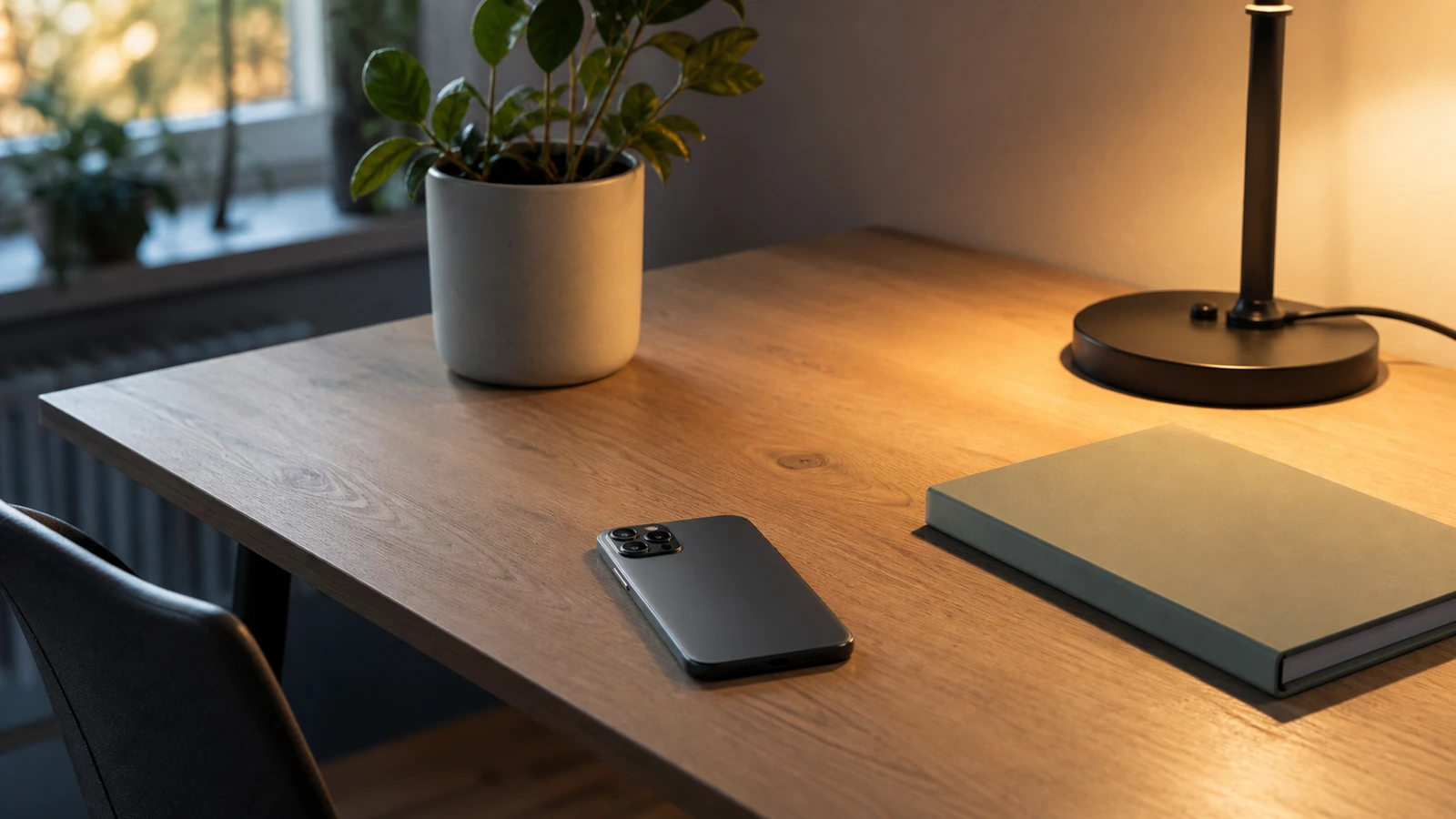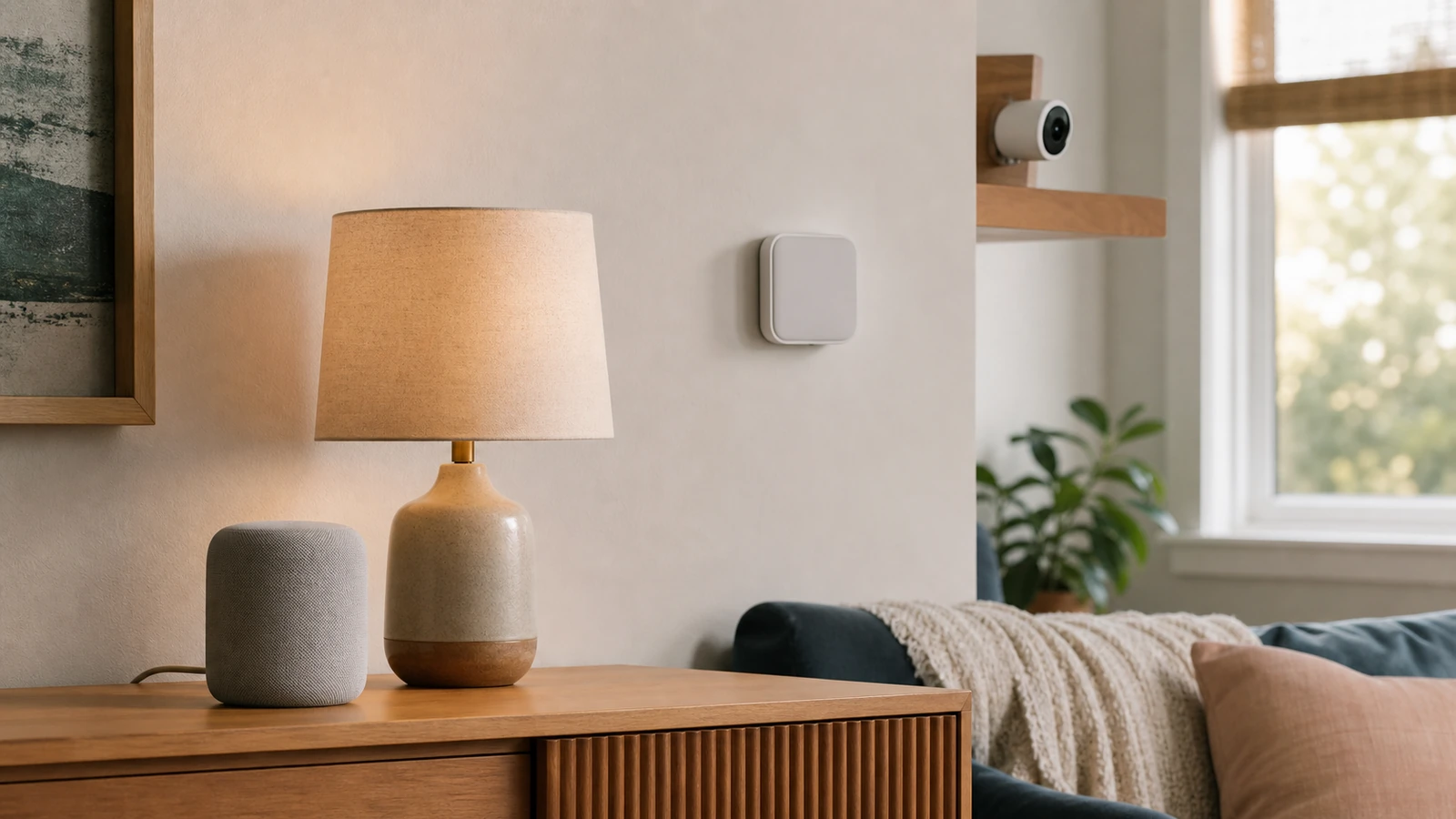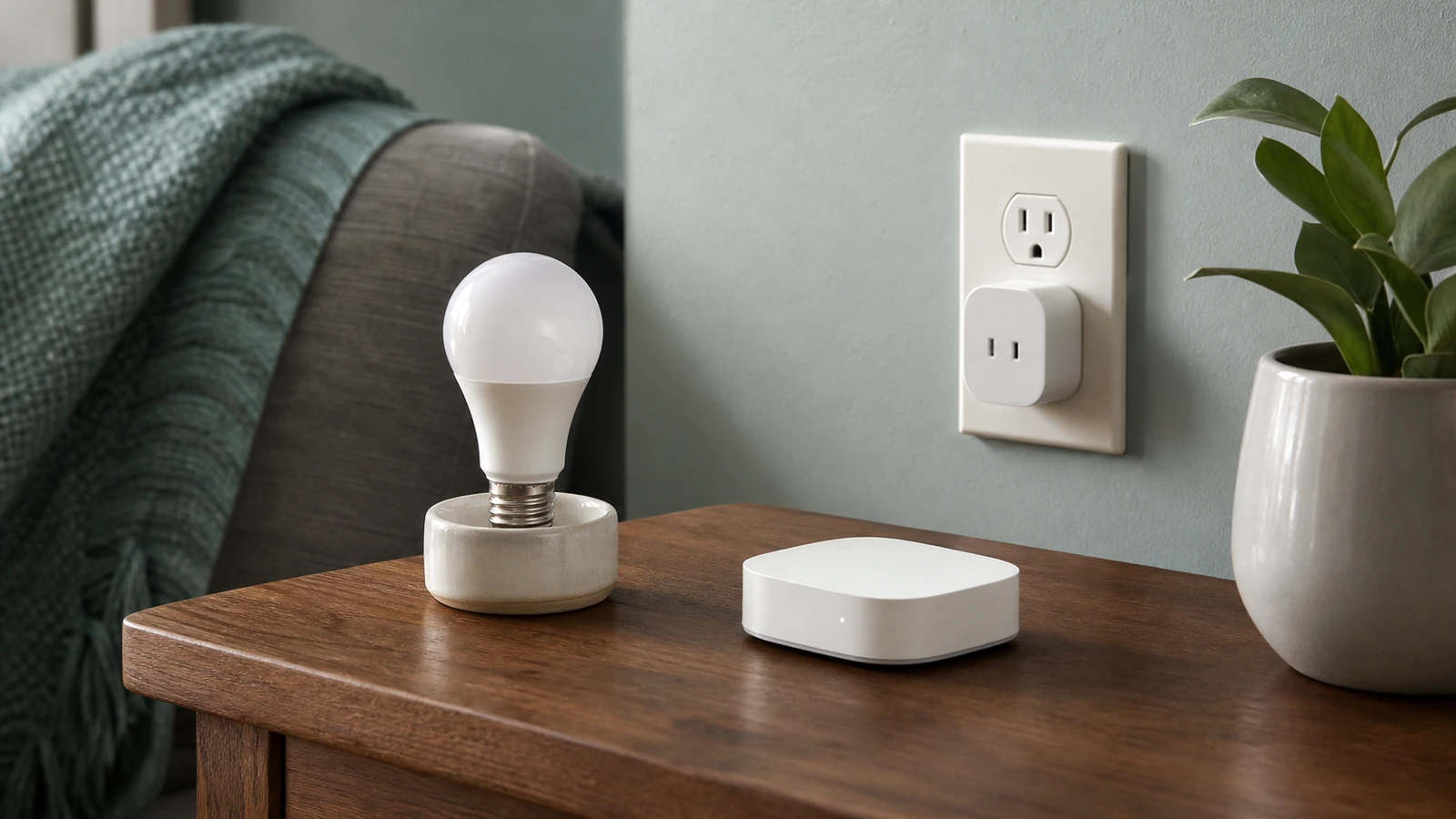


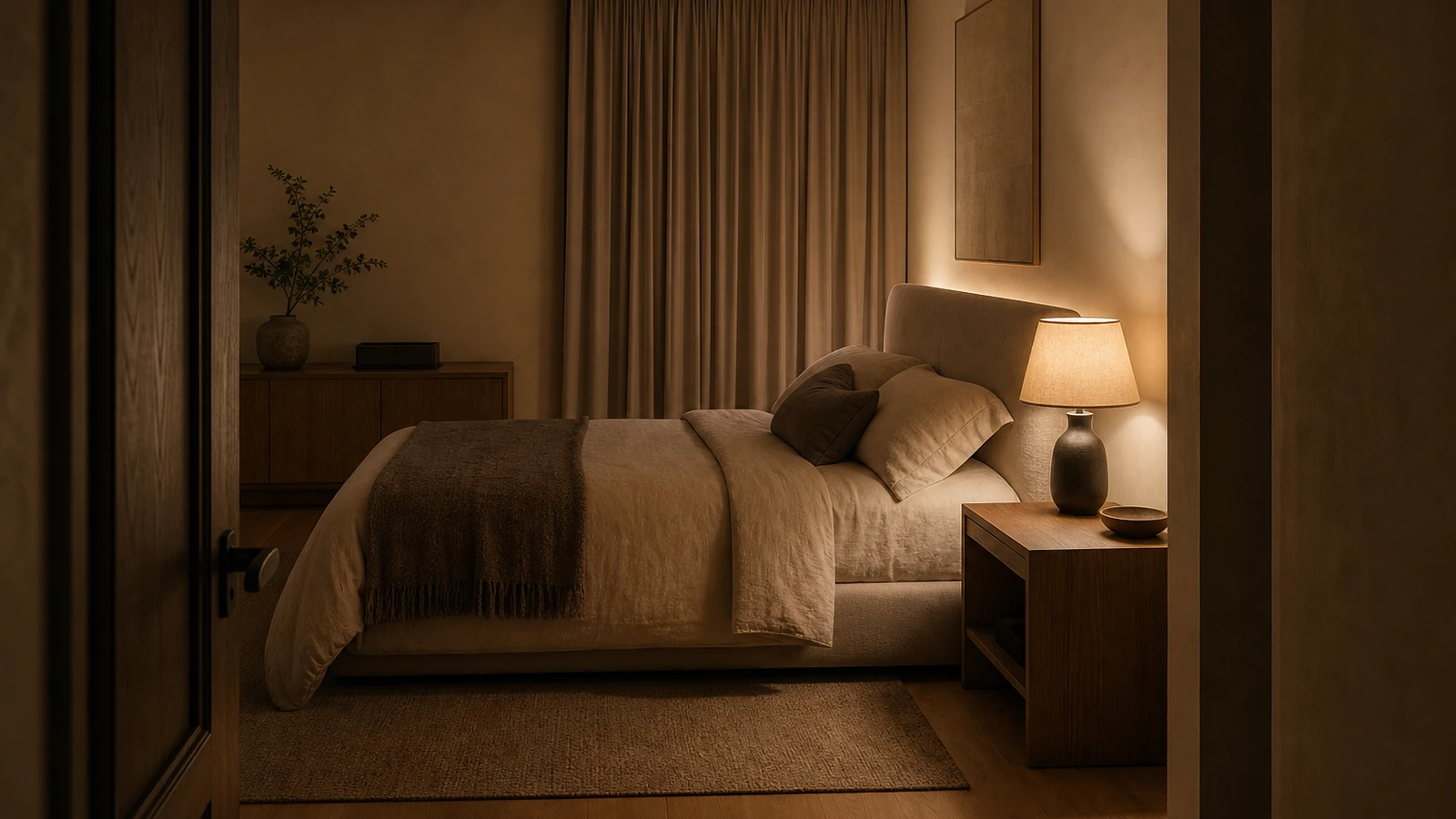
A calmer bedroom does not require a room full of wellness gadgets. It usually comes from reducing competition for attention: fewer bright points in the field of view, less visual cable clutter, sound that is intentional rather than accidental, and controls that are simple enough to use when tired. Technology can support those conditions, but it should remain adjustable, replaceable, and easy to turn off.
Comfort is personal, and a bedroom design cannot promise better sleep, treat insomnia, or address a medical condition. Light sensitivity, hearing, mobility, household schedules, tinnitus, anxiety, and health needs differ. Use the ideas here as small experiments in comfort and convenience. If sleep difficulty, hearing symptoms, or another health concern is persistent or significant, seek guidance from an appropriate qualified professional rather than relying on a room setup or consumer device.
Define what “calmer” means in this bedroom
Calm is not a product specification. One person may want near silence and complete visual darkness; another may feel more comfortable with a low hallway glow and steady background sound. Partners may have different schedules, and a caregiver may need alerts that cannot be removed. Write down the specific friction you want to reduce: harsh overhead light, phone interruptions, traffic noise, a blinking charger, complicated controls, visible wires, or equipment that occupies the nightstand.
Separate the room’s jobs. A bedroom may support winding down, sleeping, dressing, reading, nursing, caregiving, exercise, or occasional work. The room needs adequate light and safe circulation for all of them. A dim atmosphere that feels pleasant while resting can be frustrating or unsafe when looking for medication, cleaning, or getting dressed. Calm design is not the same as making every condition permanently dim and quiet.
Create a one-week baseline before changing much. Note which light sources you use, which sounds are noticeable, where devices accumulate, and which controls cause annoyance. Avoid scoring sleep as though this were a clinical study. A short practical log such as “bedside glare,” “traffic audible,” or “phone checked after alert” is enough to reveal patterns without turning the bedroom into a performance project.
Use layers so one fixture does not do every job
A useful bedroom lighting plan generally includes ambient light for moving around, task light for reading or dressing, and optional low-level orientation light. These functions can come from ceiling fixtures, wall lights, shaded bedside lamps, floor lamps, or indirect light reflected from a wall. The exact combination matters less than being able to illuminate the needed area without making every surface equally bright.
For evening comfort, reduce direct glare. A visible bare lamp or intense point source near eye level can dominate an otherwise soft room. Shades, diffusers, careful aiming, and reflected light can make the source feel gentler. Check the view while lying down, sitting at the bed edge, and entering through the doorway. A fixture that looks attractive in a standing photograph may shine directly into someone’s eyes from the pillow.
Preserve a brighter mode for practical tasks. Cleaning, selecting clothing colors, reading fine print, and responding to an emergency can require more light than a relaxed evening scene. The brighter mode should be easy to activate from an ordinary control. Fixture ratings, dimmer and lamp compatibility, wiring, bathroom-adjacent conditions, and installation rules vary; consult current product documentation and use a qualified electrician for fixed electrical work or uncertainty about local requirements.
| Bedroom need | Low-complexity approach | What to test | Watch for |
|---|---|---|---|
| General movement | Soft ambient fixture with an obvious control | Entry, bed exit, closet route | Dark trip areas or direct glare |
| Reading | Adjustable shaded task light on each relevant side | Page visibility and partner spill | Hot fixtures, unstable clamps, or exposed bright sources |
| Night orientation | Very low, shielded light only where useful | Visibility from pillow and floor path | Automatic light that triggers too often |
| Sound consistency | Fan, sound device, or speaker at restrained level | Comfort at the actual pillow position | Excess volume, looping artifacts, or blocked alarms |
| Phone boundary | Charging location outside immediate reach when practical | Access to essential calls and alarms | Creating anxiety or removing needed accessibility tools |
Choose controls for tired people
A calm lighting system should not require several taps, a voice command, or a successful cloud connection for basic use. Keep a reachable physical control for the main light and each bedside task light. If smart controls are added, use them to simplify repeated actions, not to remove ordinary operation. Guests and partners should be able to understand the room without a tutorial.
A few scenes can be useful: a brighter practical scene, a softer evening scene, and perhaps a low orientation scene. More scenes create naming and maintenance work without necessarily improving the room. Build each scene from the minimum number of fixtures needed, then test it at the actual time and viewing positions in which it will be used. The guide to smart plugs, bulbs, and hubs can help distinguish simple device-level control from a broader system.
Automations should fail gently. A motion sensor that floods the room with light during the night may be less calm than a manual lamp. A schedule that switches off while someone reads late becomes a repeated irritation. Start with optional prompts or very limited automations, keep manual overrides obvious, and observe for several nights before adding another rule. Behavior and compatibility vary by model, app, network, and household routine.
Make color and brightness adjustable, not doctrinal
Warm-looking, lower-intensity light often feels more relaxing to many people in the evening, while brighter neutral light may be more useful for dressing or cleaning. That is a design observation, not a medical prescription. Lamp labels, app sliders, and marketing names are imperfect descriptions of the experience in a furnished room. Wall color, shade material, dimming behavior, and reflections all change what the light looks like.
Test one lamp in the room before standardizing every fixture. Look for flicker, buzzing, unstable low-end dimming, delayed response, and abrupt steps. Confirm that the exact lamp and control are compatible and used within their ratings. If a lamp is unpleasant at the level you want, choosing a lower-output source may work better than forcing an incompatible product to operate at its limit.
Do not let a pursuit of darkness remove necessary wayfinding. People who wake during the night, children, older adults, and anyone with mobility or vision considerations may need a visible route. A shielded source aimed toward the floor can reduce glare, but placement and intensity must be tested by the occupant. Automatic products should be evaluated for false triggers and for whether they remain useful during a network or battery problem.
Decide whether the goal is quiet, masking, or predictability
Sound planning begins by identifying the sound. Intermittent voices, traffic peaks, building equipment, a partner’s schedule, and a steady ventilation noise are different problems. Close obvious gaps only through appropriate building methods, maintain doors and windows, and address noisy equipment at its source when possible. Renters and owners should respect building rules and ask qualified trades about construction changes rather than sealing required ventilation or modifying assemblies casually.
Some people prefer silence. Others find a fan, broad noise, nature recording, or quiet familiar audio more comfortable because it makes changing background sounds less noticeable. No single sound color or frequency is universally calming, and a consumer sound machine is not a treatment. Try a restrained level for a few nights, compare it with the device off, and stop if it is irritating, masks important signals, or creates concern for another occupant.
Place a speaker or sound device far enough from the pillow that it does not need to become a concentrated near-ear source. Keep ventilation openings clear and equipment on a stable surface. Avoid running cables through walking paths or under bedding. If headphones are used, comfort, volume, battery behavior, alarms, and awareness of other household members require personal consideration. Hearing concerns or persistent ringing call for professional advice, not louder masking.
Protect alarms and essential communication
Reducing noise should not prevent someone from hearing a smoke or carbon-monoxide alarm, security alert, baby monitor, medical notification, door signal, or emergency call. Do not cover alarms or change life-safety equipment to make the room feel quieter. Requirements and appropriate alerting devices vary; coordinate accessibility or hearing needs with qualified professionals and local guidance.
For phone alerts, distinguish essential people and systems from promotional or routine app notifications. Use the operating system’s current focus or do-not-disturb controls only after checking emergency bypasses, repeated-call behavior, alarm behavior, and cross-device synchronization on the exact software version. The article on how to reduce notification overload offers a broader process for auditing alerts without assuming that everything should be silenced.
Run a daytime test. Confirm that the intended alarm sounds, a designated contact can reach the phone if needed, connected wearables behave as expected, and a smart speaker does not become the only path to an essential alert. Settings can change after updates or device replacement, so review them periodically.
Move screens out of the visual foreground
Less visible technology does not mean concealing active equipment in unsafe places. It means deciding which devices deserve attention and giving the rest a quiet, serviceable location. A phone can charge on an open shelf below the immediate sightline. A router or hub may sit outside the bedroom if coverage permits. A television can use a cabinet or deliberate off state, but it still needs manufacturer-specified ventilation and safe support.
Start by removing unused devices, duplicate chargers, abandoned remotes, and mystery cables. Then group what remains by function. Keep a small landing area for the phone, hearing devices, glasses, or other essentials, with enough separation that one item does not bury another. Do not hide chargers beneath pillows, mattresses, clothing, or closed piles of paper. Batteries and power adapters require appropriate condition, support, and ventilation.
Reduce indicator lights through settings or product choice where possible. Some devices let users dim a display or schedule a screen-off mode. Confirm that doing so does not hide a warning or essential status. Avoid opaque tape over ventilation slots, sensors, cameras, or safety indicators. If a product offers no appropriate control and its light is disruptive, relocating or replacing it may be better than modifying it.
Keep cable concealment serviceable
A bedroom often has soft materials, moving bed frames, drawers, and narrow gaps that can pinch a cord. Route removable low-voltage charging cables with gentle bends and suitable supports, away from feet and furniture mechanisms. Keep plugs and adapters accessible for inspection and disconnection. Never route ordinary extension cords through walls, floors, doors, or under rugs, and do not use them as a substitute for permanent electrical work.
If outlet access does not match the furniture arrangement, ask a qualified electrician to assess a compliant permanent solution under local rules. Do not open electrical boxes or attempt fixed wiring based on an interior-design diagram. Integrated headboards and nightstands need coordination among the furniture professional, product instructions, and electrician so connections remain ventilated, approved, and serviceable.
Leave a small amount of controlled slack for movement and maintenance, but avoid loose loops where feet, pets, or vacuum equipment can catch them. Inspect charging cables and power equipment for damage, looseness, discoloration, unusual heat, or intermittent operation. Stop using concerning equipment and seek manufacturer or qualified professional guidance as appropriate.
Review microphones, cameras, accounts, and connectivity
Voice assistants, sleep-tracking devices, connected speakers, televisions, and baby monitors may use microphones, cameras, cloud accounts, or occupancy data. Features differ by model and can change with software updates. Before placing a connected device in a bedroom, identify what it senses, where data is processed, which household members can access it, how recordings or history are deleted, and what still works offline.
Disable features you do not use, apply updates, protect the account with a unique password and appropriate multifactor authentication, and review sharing permissions. Physical microphone or camera controls can be useful when the exact product documents what they do, but do not infer privacy from the color of an indicator alone. Use the smart-home privacy checklist for beginners to structure a model-specific review.
Ask whether the connected feature earns its place. A basic lamp with a physical switch may be calmer than an account-dependent lamp for one bedside. A simple fan may be preferable to a sound service with recommendations and notifications. Fewer connected devices mean fewer apps, updates, indicator states, and failure paths to manage.
Build a reversible comfort experiment
Change one variable at a time for several nights: reposition a lamp, lower one indicator, move the phone, try the sound device at a restrained level, or simplify alerts. Keep the change reversible and observe practical outcomes such as glare, annoyance, ease of finding controls, partner disturbance, and whether an essential alert remained available. Do not interpret a few nights as proof of a health effect.
If the change helps, keep it and document the setting. If it does nothing, remove it rather than layering on more technology. If it creates a new problem, return to the baseline. Seasonal daylight, open windows, travel, illness, and household schedules can change preferences, so a good bedroom has controls rather than one supposedly perfect configuration.
Partners can run separate experiments on their own side of the room. Independent reading lights, personal charging locations, and clearly agreed alert exceptions often work better than forcing identical preferences. When needs conflict, prioritize safety and essential communication, then choose the least disruptive compromise.
A practical reset in one afternoon
- Remove unused devices, chargers, remotes, and cables from the bedroom.
- List essential lights, alerts, accessibility tools, and continuously powered equipment.
- Check the room from the pillow, doorway, bed edge, and walking route for glare and bright indicators.
- Create one soft evening lighting option and preserve one brighter practical option.
- Choose silence or one restrained sound experiment without blocking alarms or communication.
- Move nonessential screens out of immediate view while keeping powered devices ventilated and serviceable.
- Simplify app notifications and verify exceptions on the exact devices.
- Test for several nights, change one variable at a time, and keep only what improves personal comfort or usability.
Frequently asked questions
Does warm light guarantee better sleep?
No. Warm-looking, lower-level light may feel more comfortable to some people in the evening, but a room design cannot guarantee sleep outcomes. Treat brightness, direction, timing, and color appearance as adjustable comfort variables. Persistent sleep problems deserve appropriate professional guidance.
Is white noise good for everyone?
No. Some people prefer steady masking sound, while others find it distracting. Content, level, speaker position, hearing, alarms, and household needs matter. Test quietly, preserve essential awareness, and stop if it causes discomfort or concern.
Should the phone stay outside the bedroom?
That can be useful for some people, but it is not a universal rule. A phone may provide essential calls, alarms, accessibility support, or caregiving alerts. A less disruptive location within the room, paired with carefully reviewed notification settings, may be the better experiment.
Are smart bulbs necessary for a calmer bedroom?
No. Separate lamps, compatible dimmers, appropriate lower-output lamps, and ordinary physical switches can create useful layers. Smart features are worthwhile only when they simplify a real routine and retain reliable manual control.
How can technology be hidden safely?
Reduce and relocate before concealing. Keep powered equipment supported, dry, ventilated, within ratings, and accessible for service. Do not place adapters under bedding or route ordinary cords through building surfaces. Use qualified professionals for fixed electrical or construction work.
Takeaway
A calmer bedroom is an adjustable environment, not a technological cure. Begin by removing needless devices and alerts, then shape light, sound, and visibility around the people who use the room. Keep bright practical light and essential communication available, preserve simple physical controls, and treat every change as a reversible comfort experiment rather than a promise about health or sleep. The technology that remains should be quiet in appearance, clear in purpose, safe in placement, and easy to switch off.

Madison Rowe
Madison Rowe is a Disco Lift staff byline covering everyday technology, digital organization, privacy, and connected devices. Articles published under this pen name are reviewed under Disco Lift’s editorial standards.